
Amending Purchase Order after Submit
Rate and Qty in Purchase Order can now be amended after Submit using the Update Items button.
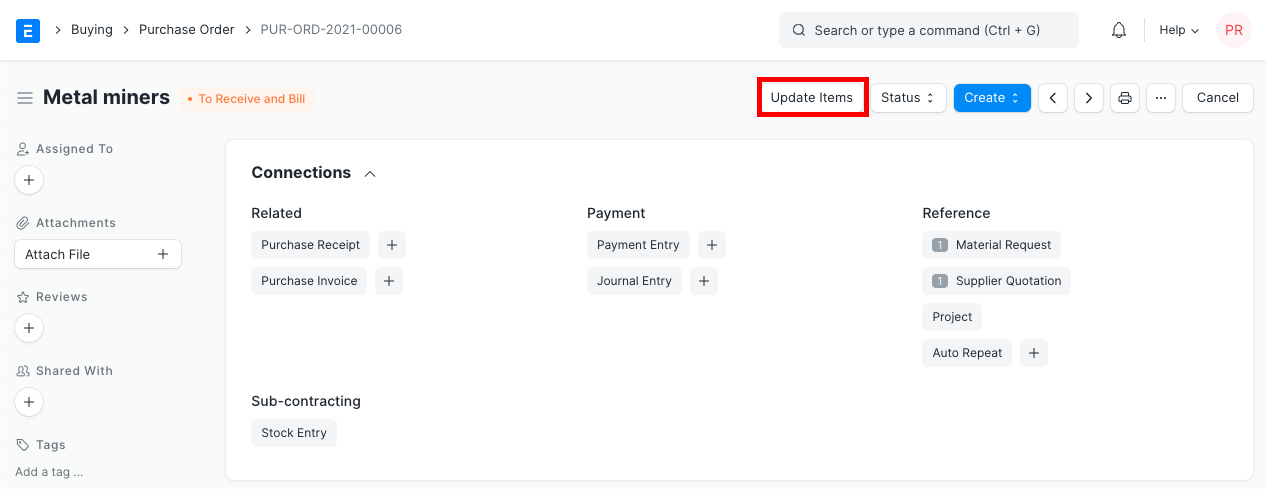
To Update Rate and Qty in a Submitted Purchase Order, click on the Update Items button. A dialog will pop up to let you make the change.
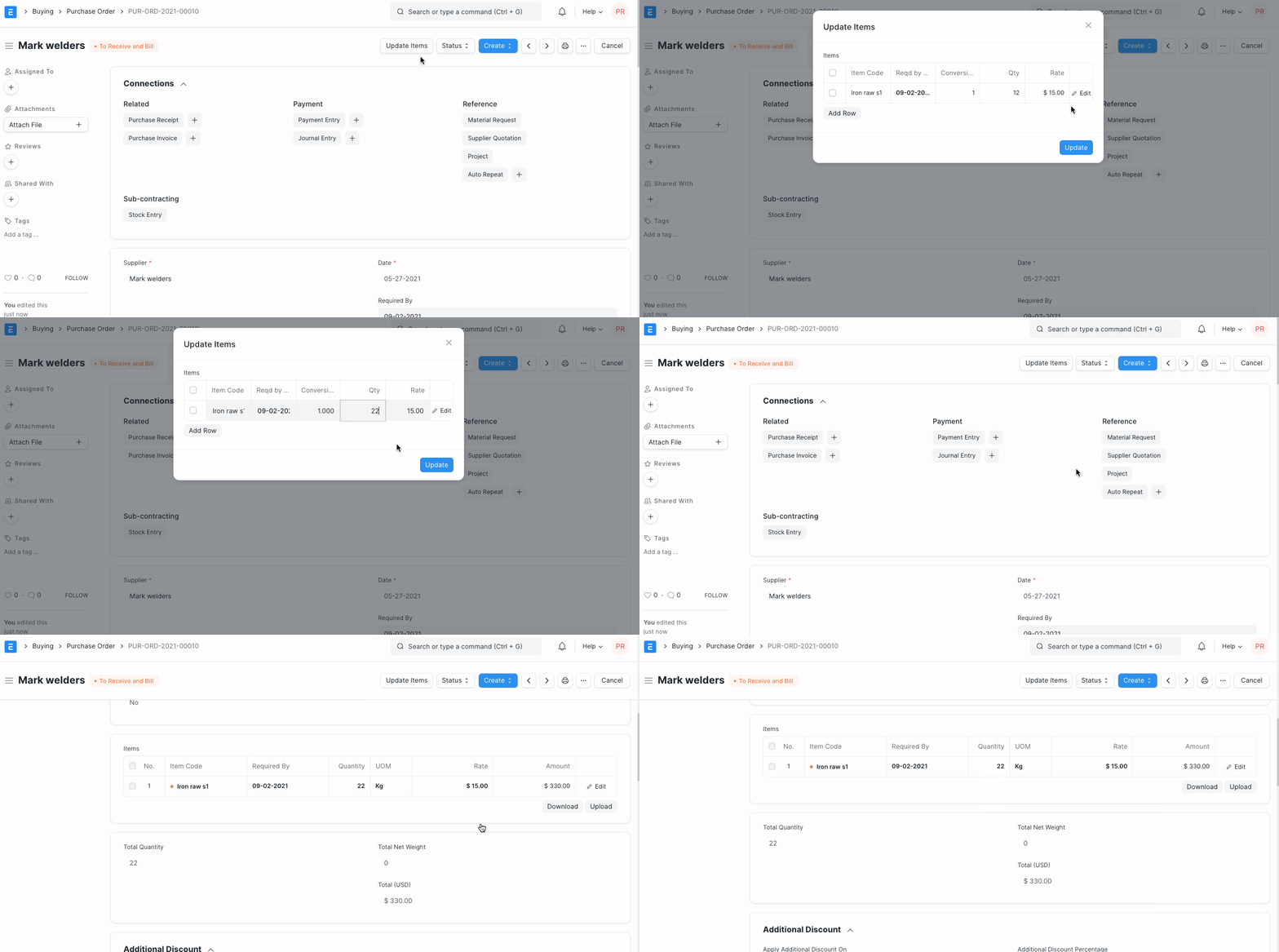
Please Note the following validations and usecases:
- Update Features checks if Purchase Order has Purchase Receipt and Purchase Invoice.
- Qty can be updated for un-received and for partially-received Purchase Order. For Purchase Order with completed Purchase Receipt, it cannot be updated.
- Rate can be updated for un-invoiced and partially-invoiced Purchase Order. For Purchase Order with submitted Purchase Invoice, it cannot be updated.
Last updated 1 month ago
Was this helpful?