


















Overview
Adding a pyproject.toml file to your Frappe app is now mandatory.
This file must declare the app’s supported Frappe versions using the following section:
[tool.bench.frappe-dependencies]
This allows Frappe Cloud to validate application compatibility during operations like:
bench update- App installation
- App addition to a bench group
Required Configuration
Add a pyproject.toml file to the root directory of your app repository with content similar to:
[tool.bench.frappe-dependencies]
frappe = ">=16.0.0-dev,<=17.0.0"
Explanation
tool.bench.frappe-dependencies
Declares compatibility requirements for Frappe.frappe
Specifies the supported version range using standard version specifiers.
This ensures the platform can validate whether the app is compatible with the target bench version.
Common Errors
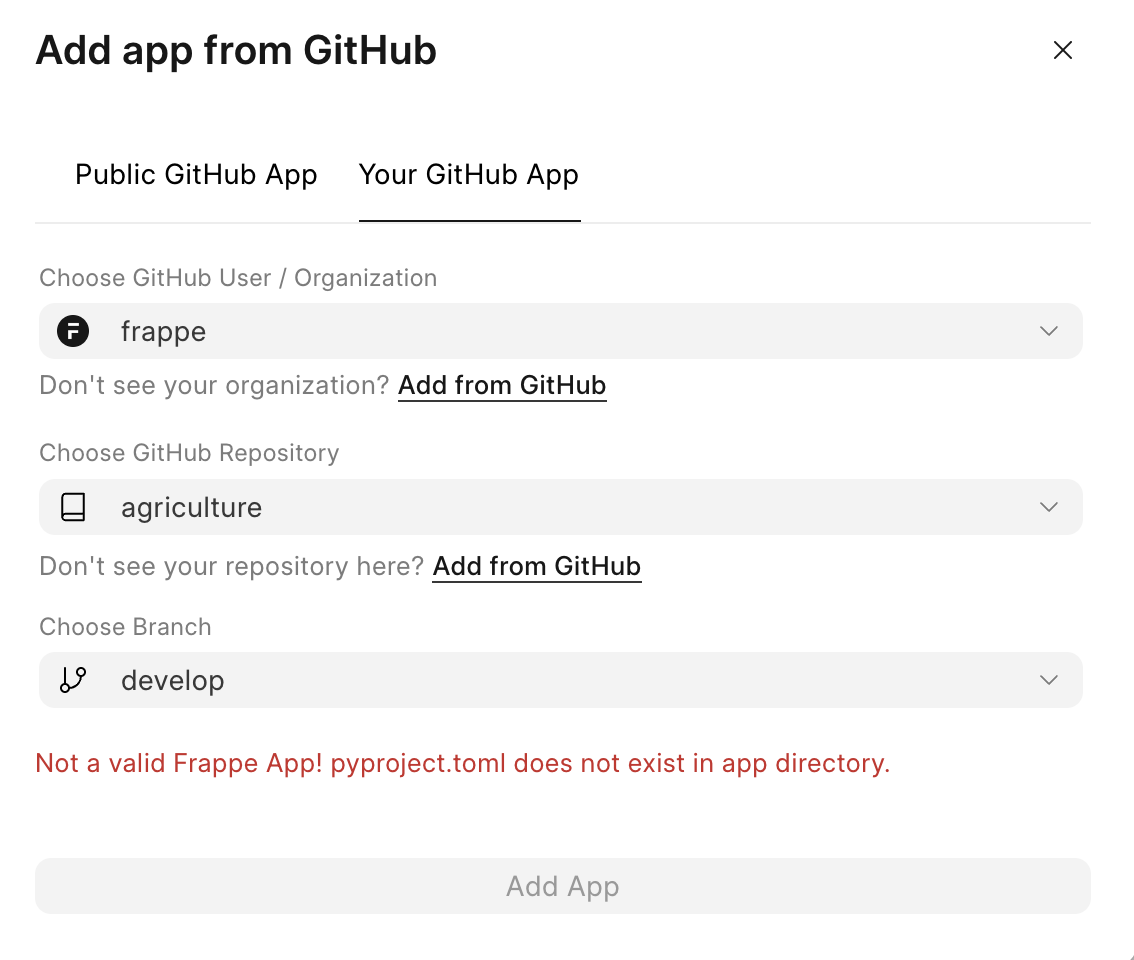
1️⃣ Missing pyproject.toml
Error Meaning
Indicates that no pyproject.toml file exists in the root of the application repository.
Resolution
Create the file and add the required dependency section.
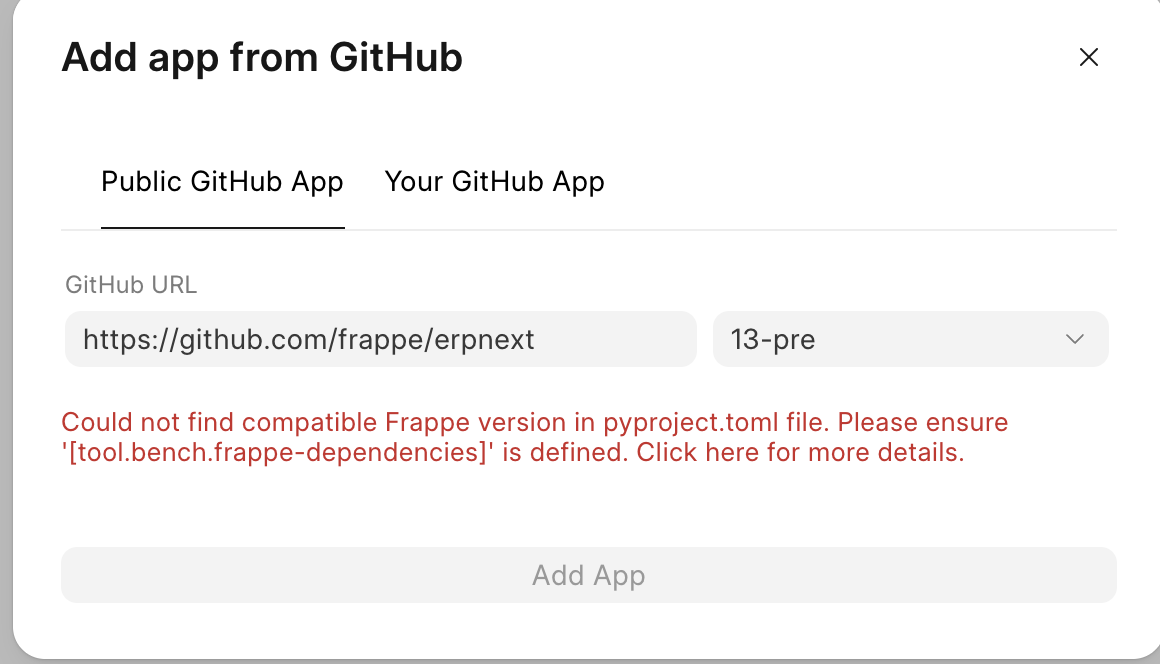
2️⃣ Missing [tool.bench.frappe-dependencies] Section
Error Meaning
The pyproject.toml exists, but the required dependency section is not defined or not in the exact format as mentioned above.
Resolution
Add:
[tool.bench.frappe-dependencies]
frappe = "<version-range>"
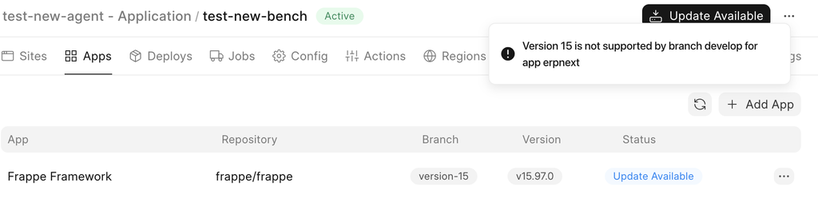
3️⃣ Version Mismatch With Bench
Error Meaning
The app branch declares compatibility with a Frappe version different from the bench version.
Example scenario:
- Bench group version → 15
- App branch → declares develop (v16+)
This branch will be rejected.
Resolution
Ensure:
- The declared version range matches the target bench version
- Or switch to a compatible app branch
Best Practices
- Always keep the version range updated when releasing new branches
- Align branch naming with supported Frappe versions
- Validate compatibility locally before pushing changes
- Use semantic version ranges rather than hard pinning
Summary
The pyproject.toml dependency declaration enables automated compatibility checks across Frappe Cloud infrastructure.
Ensuring correct configuration prevents installation failures and version conflicts during bench operations.