


















Request Timeout: Server was too busy to process this request
Request Timeout: Server was too busy to process this request
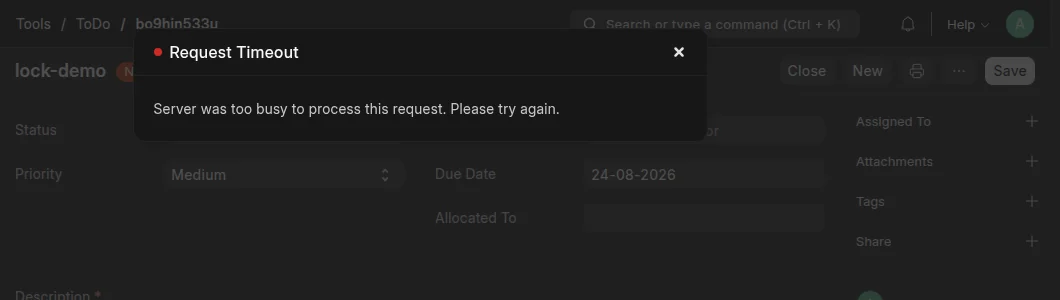
The server was not busy. A query waited for a row lock, and MariaDB stopped it after 50 seconds with error 1205, Lock wait timeout exceeded. Another transaction held that lock. This is a bug in the application, not a limit of the plan.
Find the cause
- Do the action a second time. While it runs, open the process list of your site. The list shows the query that waits and the query that blocks it.
- If the process list is empty, read the slow queries of your site.
- Search the Error Log for
QueryTimeoutError. The traceback names the code that failed.
A new controller hook or scheduled job is the usual cause.
Correct it
- Keep transactions short. Do the slow work first, then write to the database.
- Update rows in batches. Commit after each batch.
- If two jobs write to the same document, run them one after the other.
Last updated 3 weeks ago
Was this helpful?