


















500 Internal Server Error
This usually indicates an application related issue. If your site is on custom bench group, then you can investigate the same with:
Checking bench logs (Option 1)
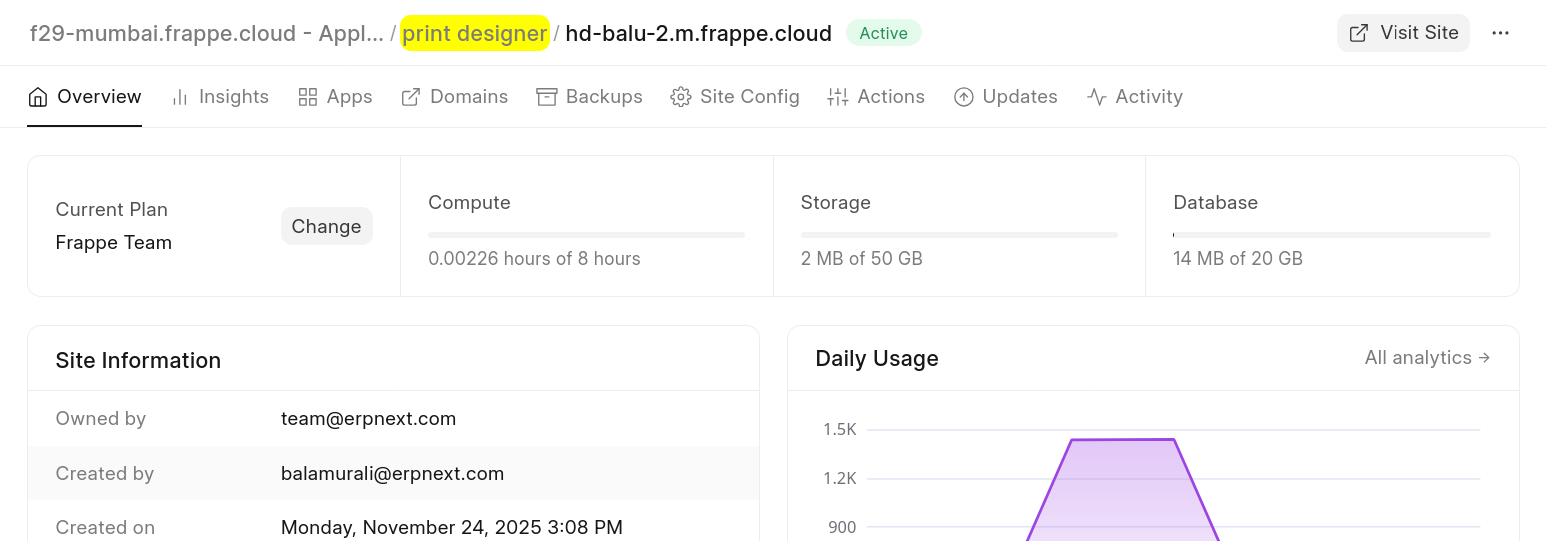
- Go to your site's Bench Group dashboard and check Sites tab
- Click on View Logs
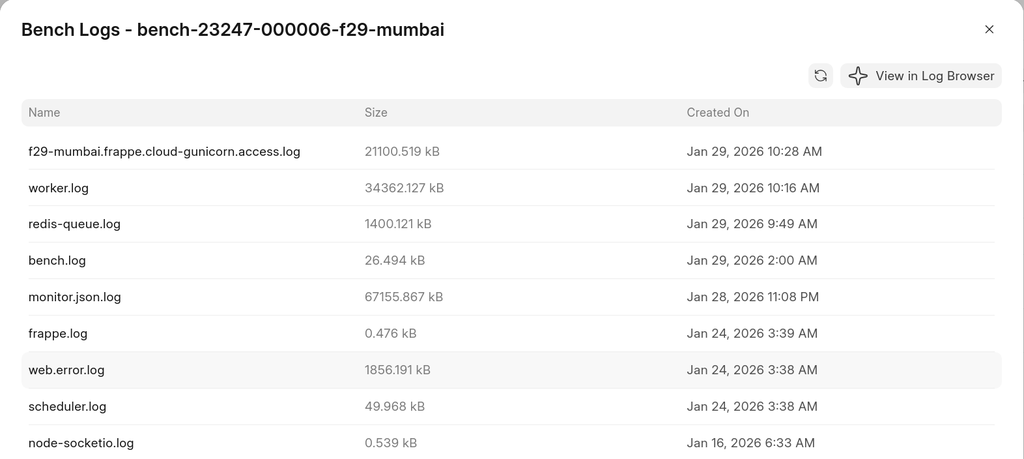
- Open web.error.log and scroll to bottom. You should be able to see the traceback:
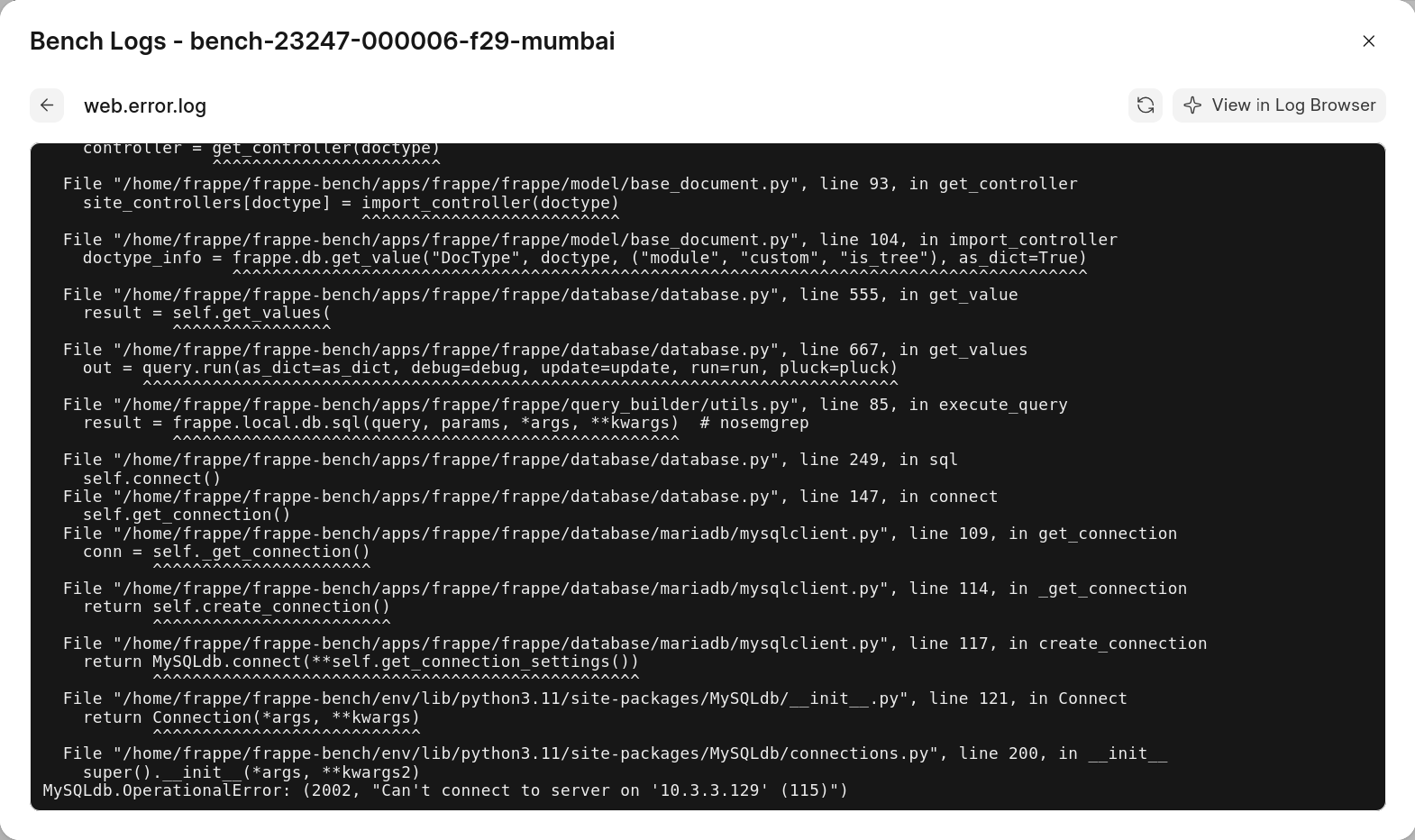 In this example, the site can't connect to the database server. Restarting the database server might a solution here.
Using SSH Access (Option 2)
Alternatively, you can locate web.error.log after SSH Access. Please check the docs here
If you occasionally get a pop-up with the Internal Server Error message, it is likely that a background job is failing. In such cases, checking your Scheduled Job Log, Error Log and worker.err.log file should help.
Last updated 8 months ago
Was this helpful?