


















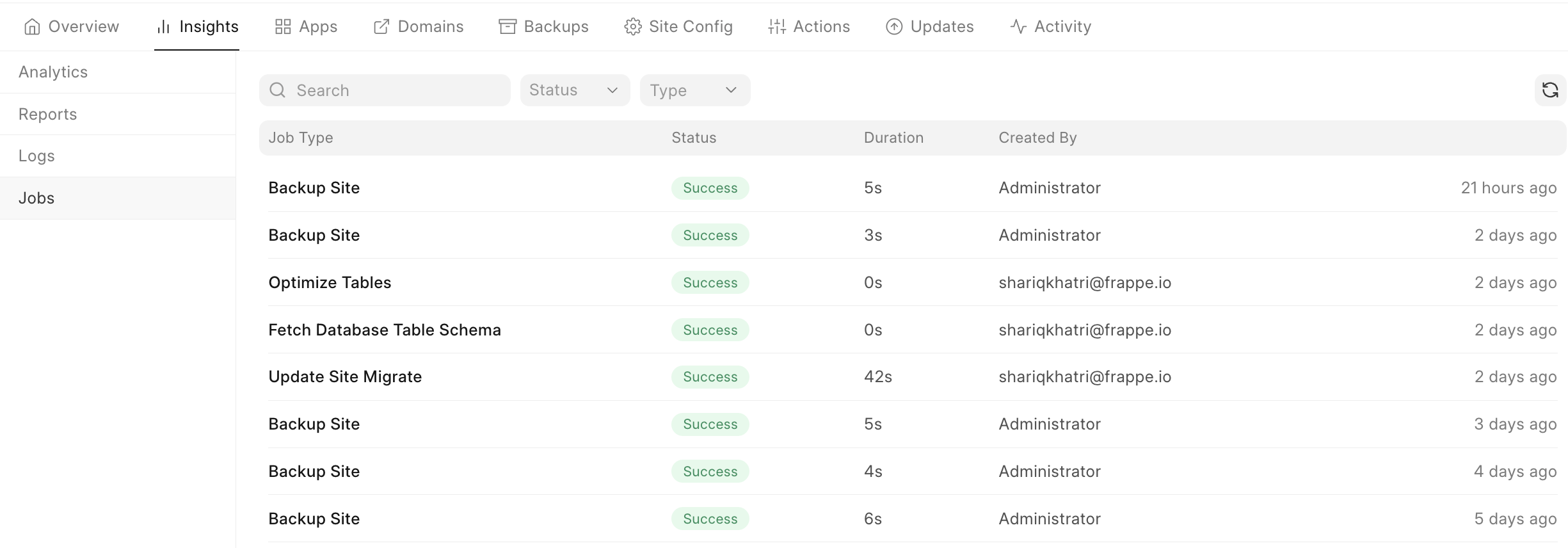
Jobs show a history of actions performed on your site.
- Every action such as site creation, adding a custom domain, scheduling a
backup, updating site configuration, etc. is tracked here.
For e.g.,
- Creating a new site
- Updating a site
- Installing apps on site
- Taking a backup of site
- You can view this data to see if the jobs are running properly, something is
stuck, or has failed.
- Some successful jobs will show the command line output when the job was run.
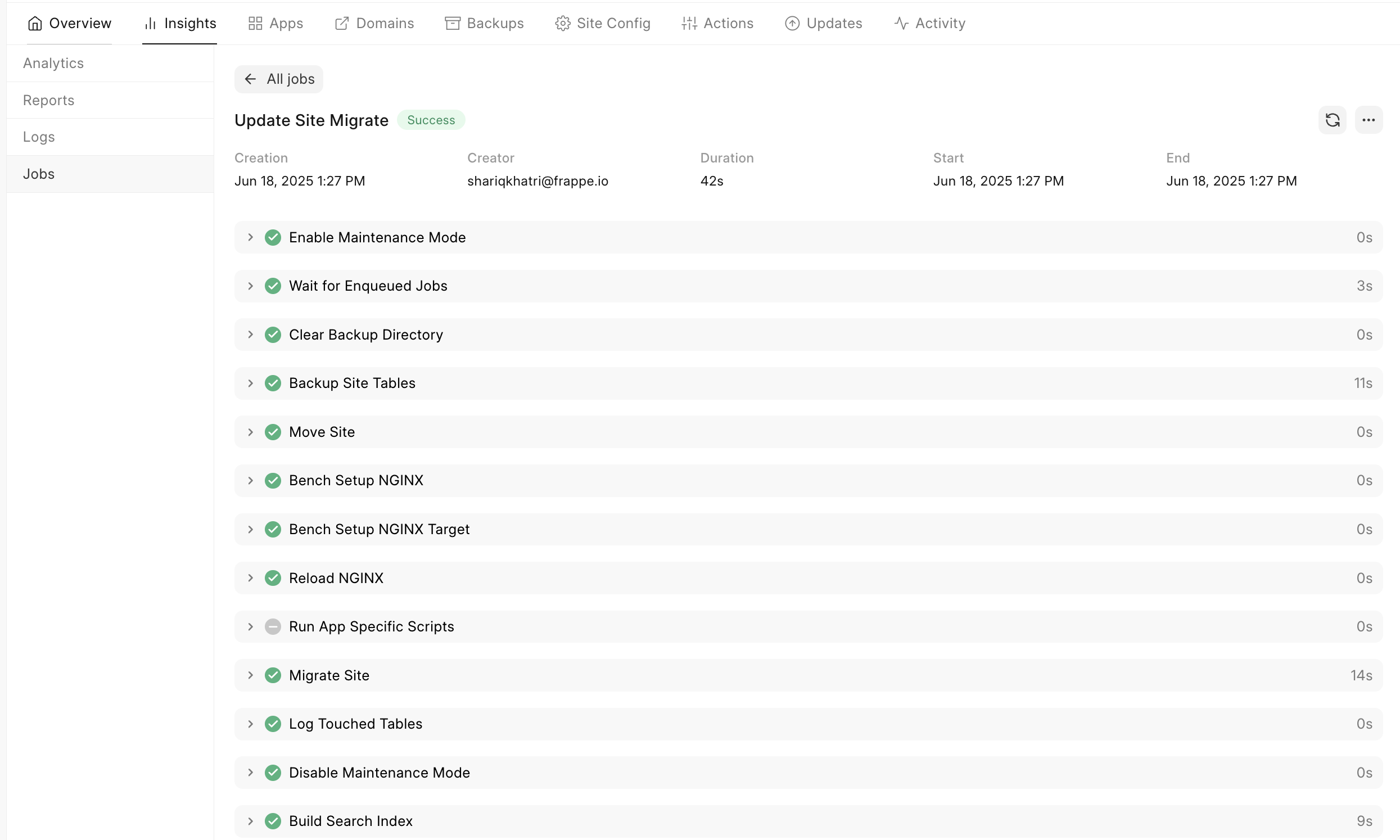
3. Some failed jobs will show a trace.
Last updated 8 months ago
Was this helpful?