


















Introduction to Site Migration
The Site Migration feature allows you to seamlessly move your site across benches and servers with minimal effort.
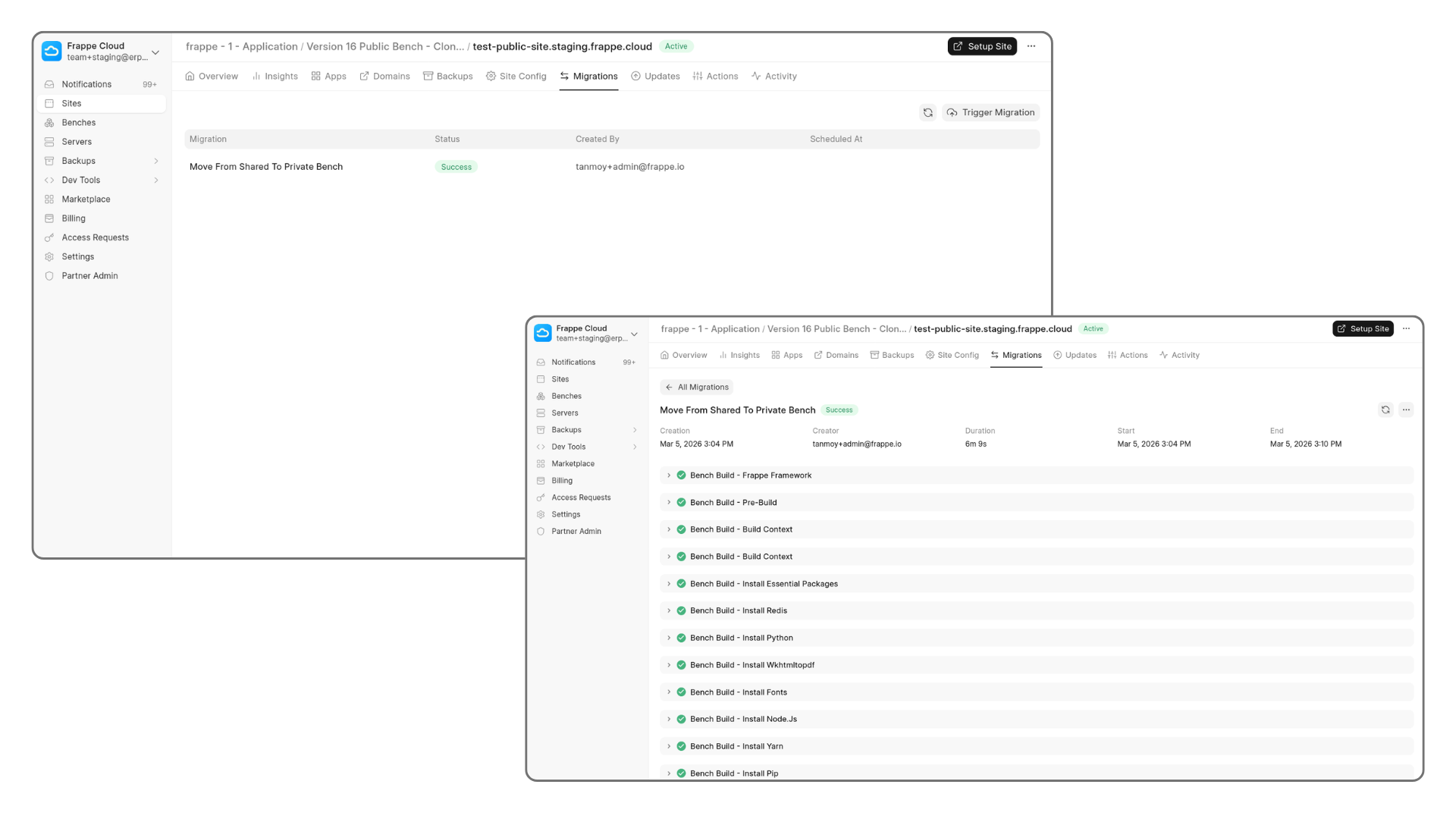
This supports the following migration types :
- In-Place Migration : Run
bench migrateon your site. This operation does not take a backup, so use with caution. - Move Site from Shared to Private Bench : Transfer your site from a shared bench to a shared / dedicated private bench.
- Move Site to Different Server / Bench : Relocate your site to another server (both shared and dedicated) on an existing or new bench.
- Move Site to Different Region : Migrate your site to a server located in a different geographic region.
Bench Selection During Migration :
For most migration types, you can choose one of the following options :
- Select an Existing Bench : Move your site to an already available bench.
- Clone and Create a New Bench Automatically : Automatically creates a new bench with the same configuration and apps as the current one.
In the next pages, we will cover the details of each migration type.
Last updated 8 months ago
Was this helpful?