


















In-Place Site Migration
In certain situations, you may need to manually run the bench migrate command for your site.
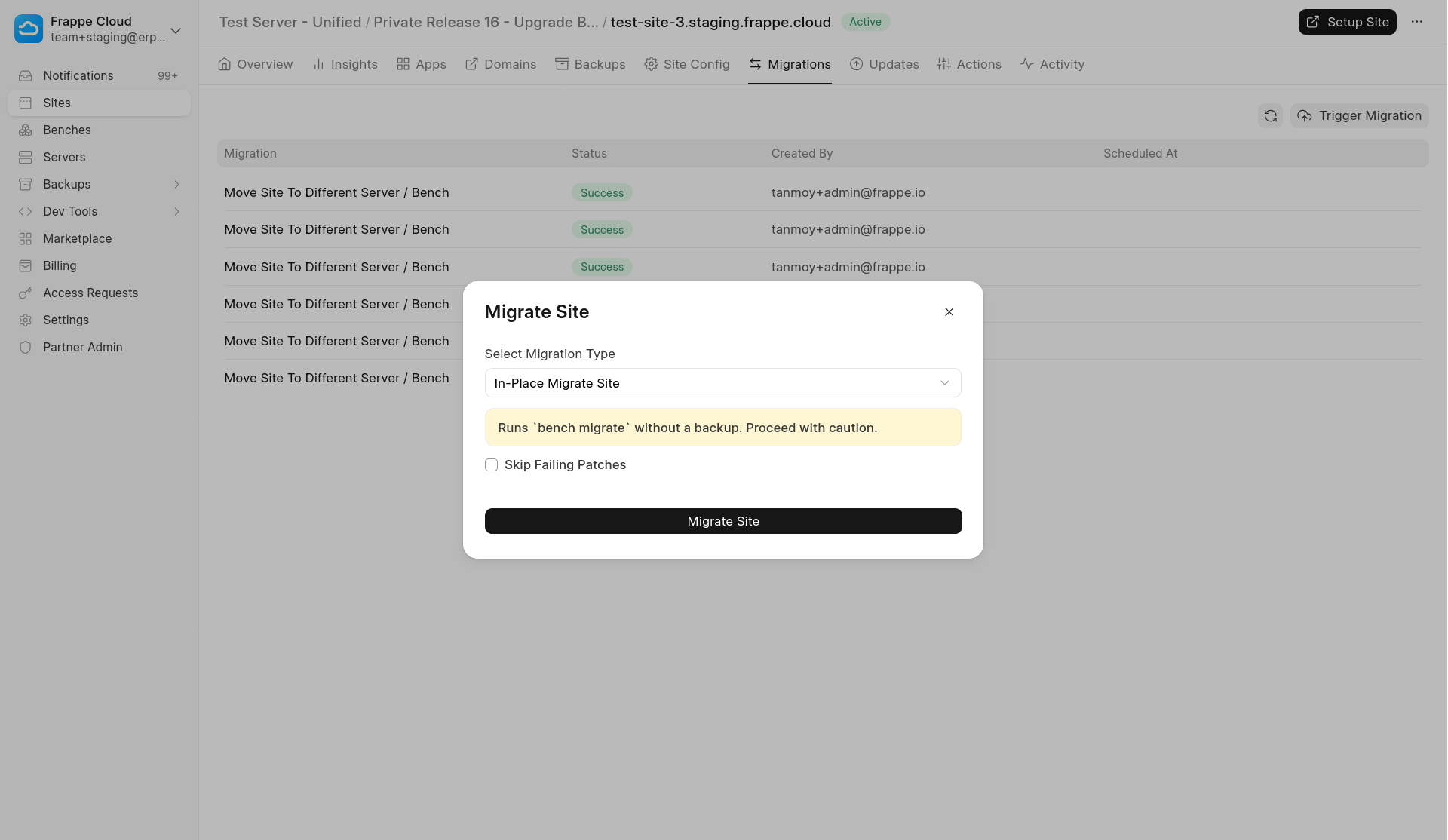
[Note] This operation does not create a backup before running the migration. Proceed with caution and ensure you have a backup if required.
To run the migration:
- Open your Site page.
- Go to the Migrations tab.
- Click Trigger Migration.
- Select In-Place Migrate Site as the migration type.
Once triggered, that will run the equivalent of the bench migrate command on your site.
Last updated 8 months ago
Was this helpful?