


















Login from Frappe apps
This feature is only available for sites created through SaaS flow (i.e. frappecloud.com/erpnext/signup).
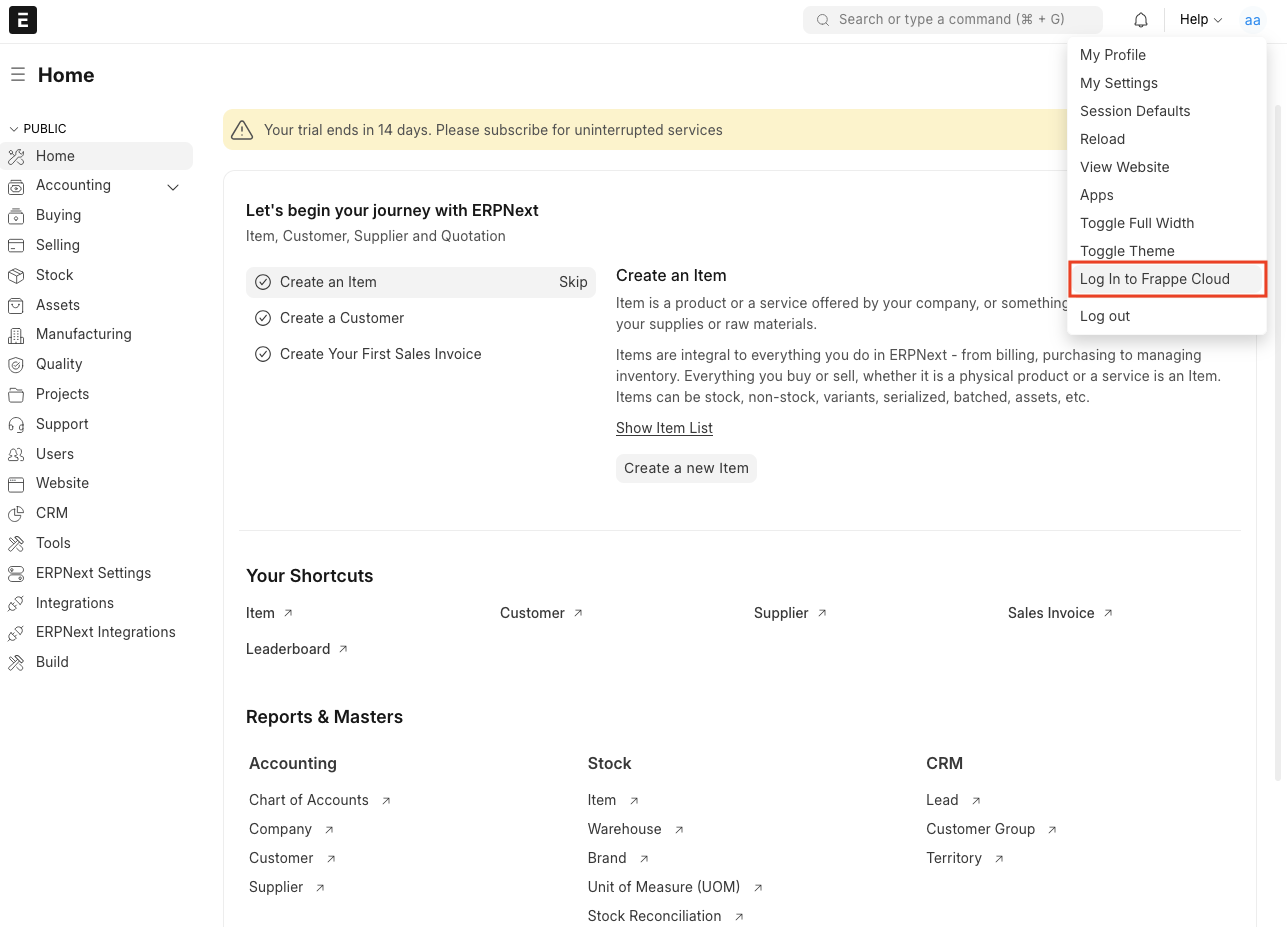
- Go to desk of your site.
- Click on
Login to Frappe Cloudbutton inside the menu.
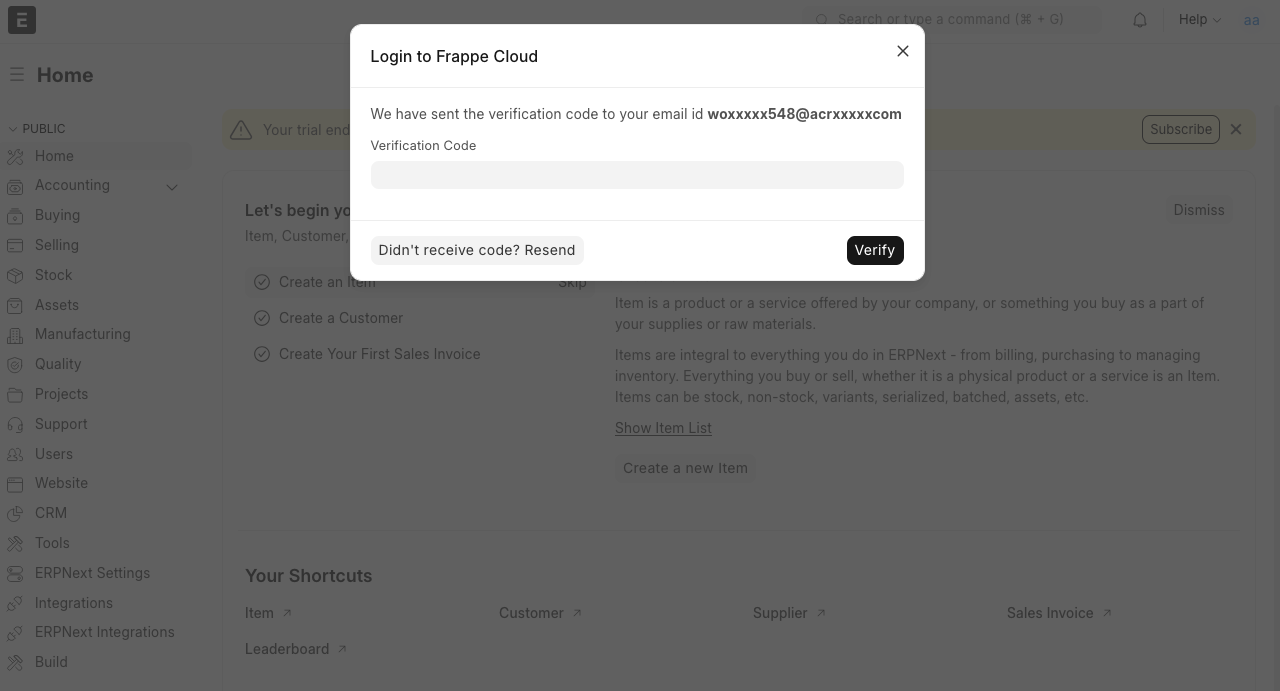
3. It will take few seconds to initiate the login request, after that you will be presented a modal like this
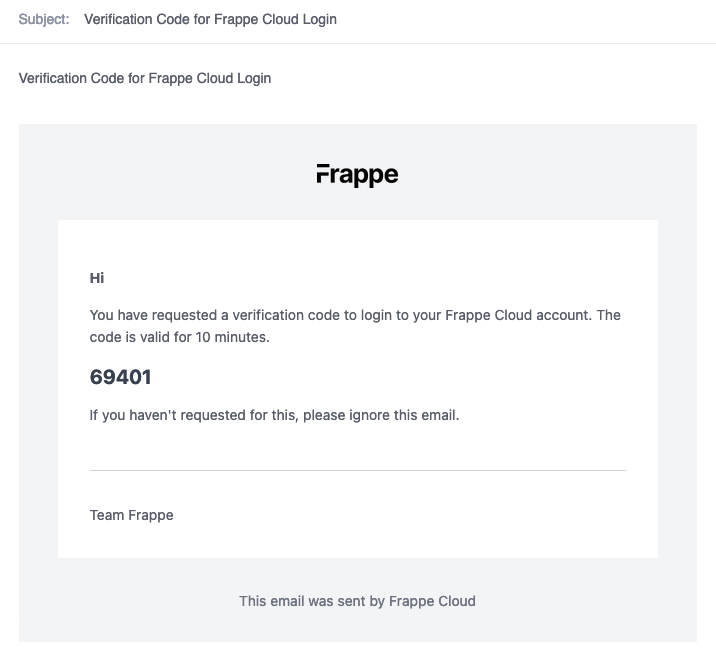
4. Check your mailbox. You will recieve an e-mail with a verification code.
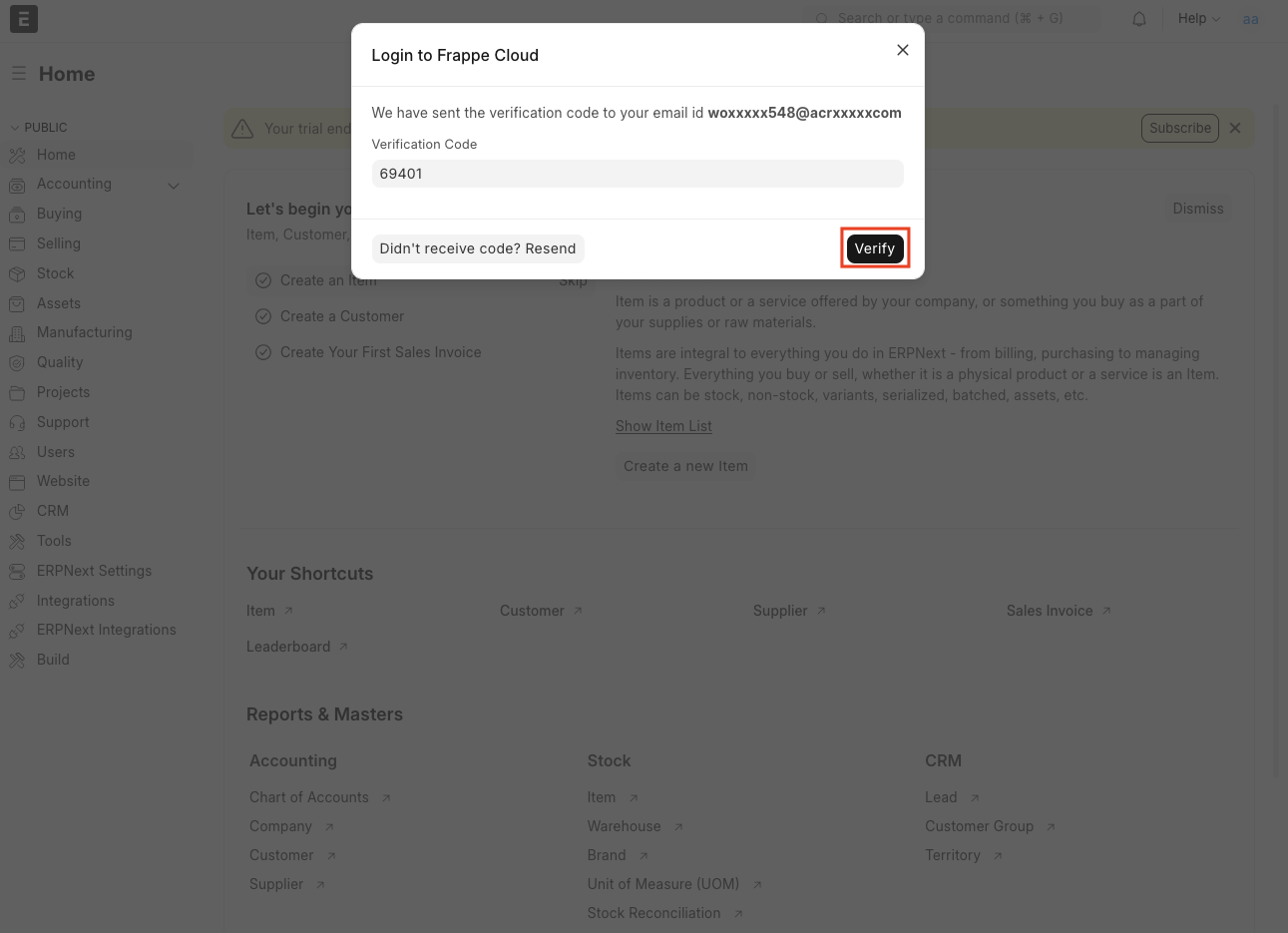
5. Put the verification code in input box and click on Verify
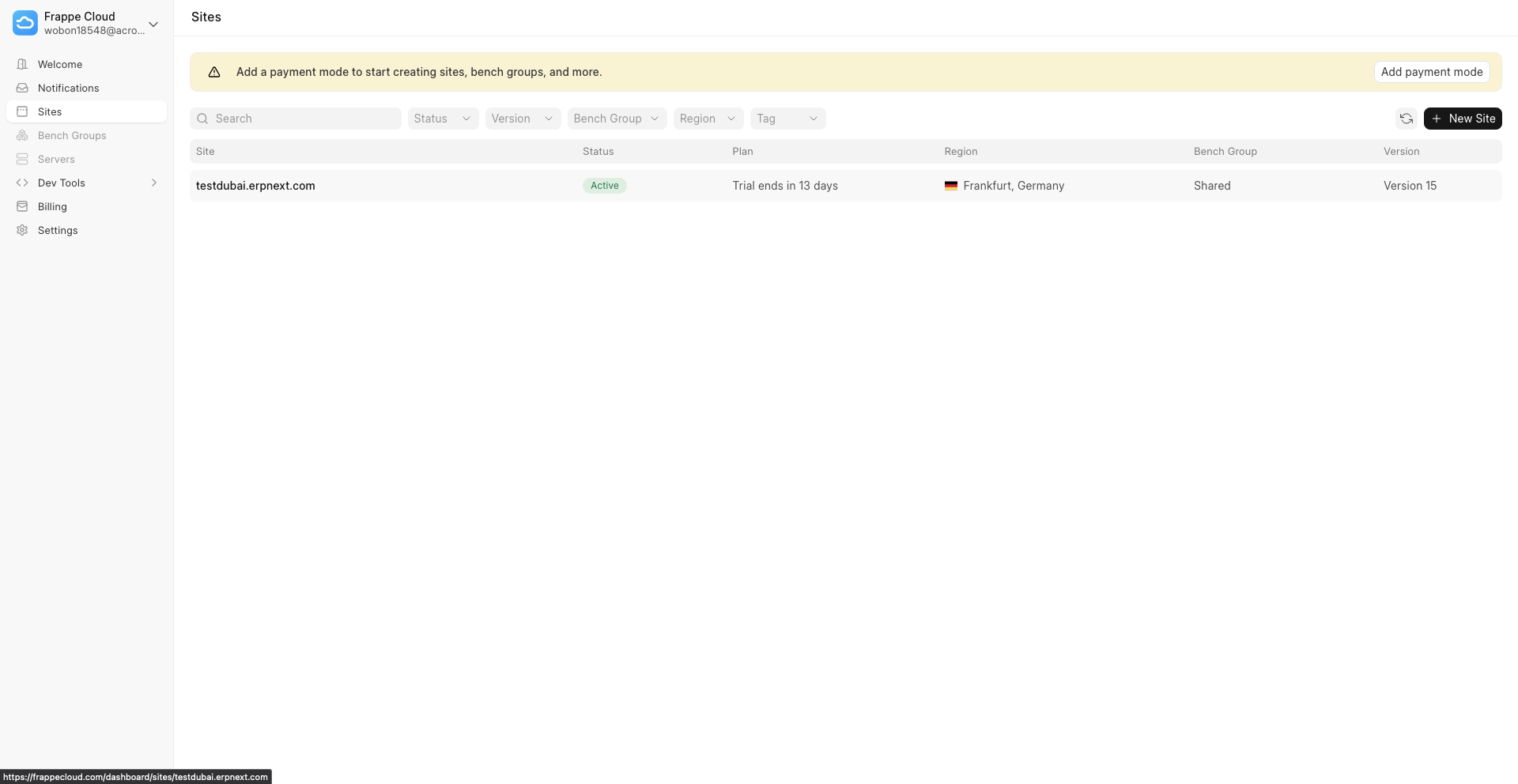
6. You should be now logged-in and redirected to Frappe Cloud dashboard
7. You will also get a Login Successful banner
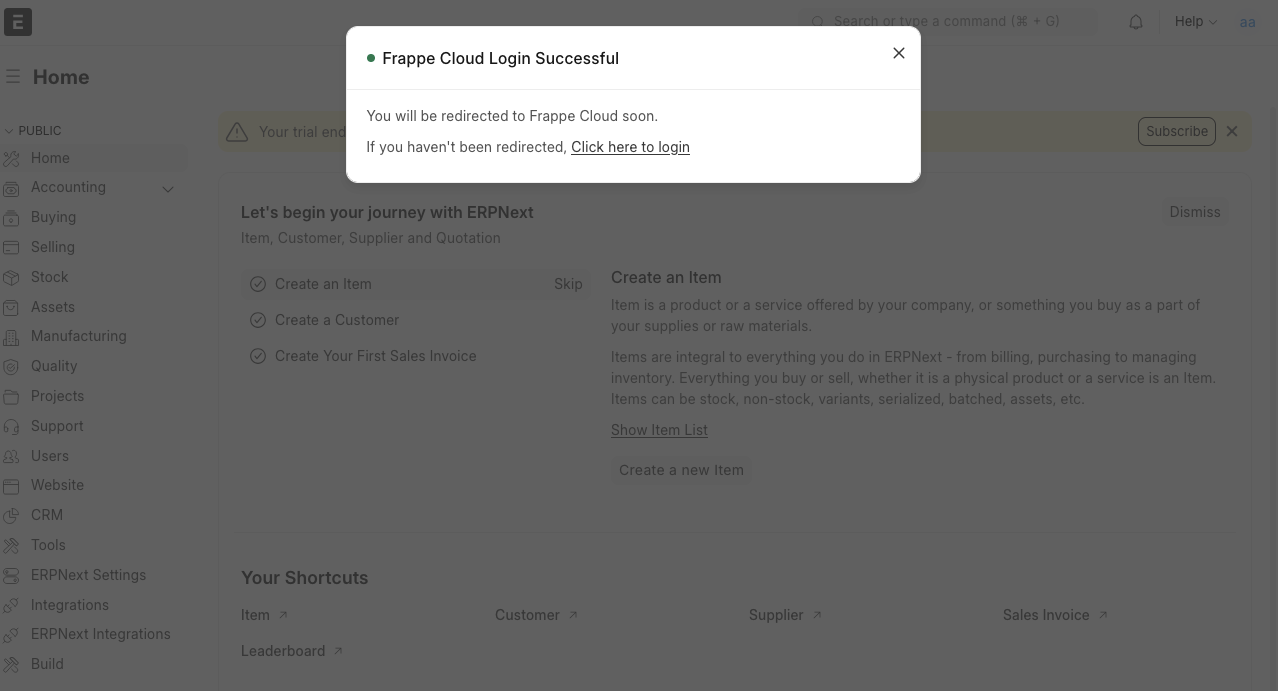
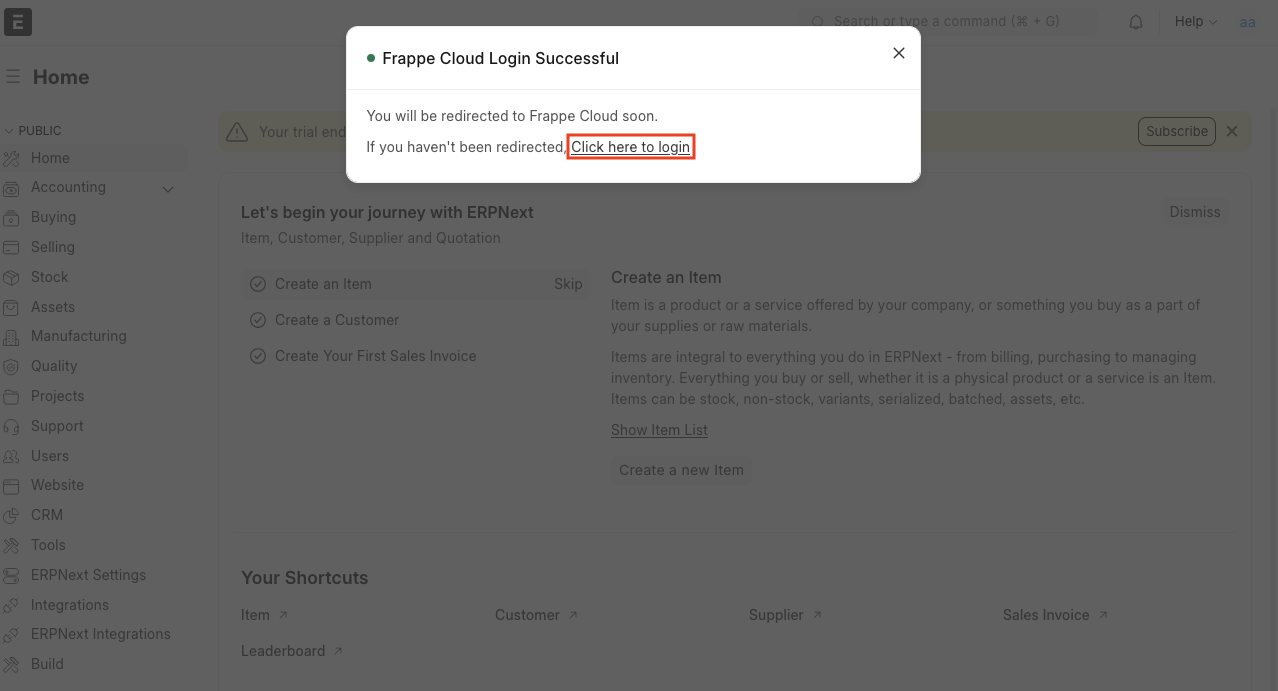
Sometimes many browser block url redirection. In that case, there are two solutions -
- Tap on
Click Here to loginlink inside the modal.
2. Your browser will show a message that popup has been blocked. This message can be vary based on the browser.
In case of firefox, you can choose
Show https://....option.

Last updated 5 months ago
Was this helpful?