


















Daily Usage limit reached
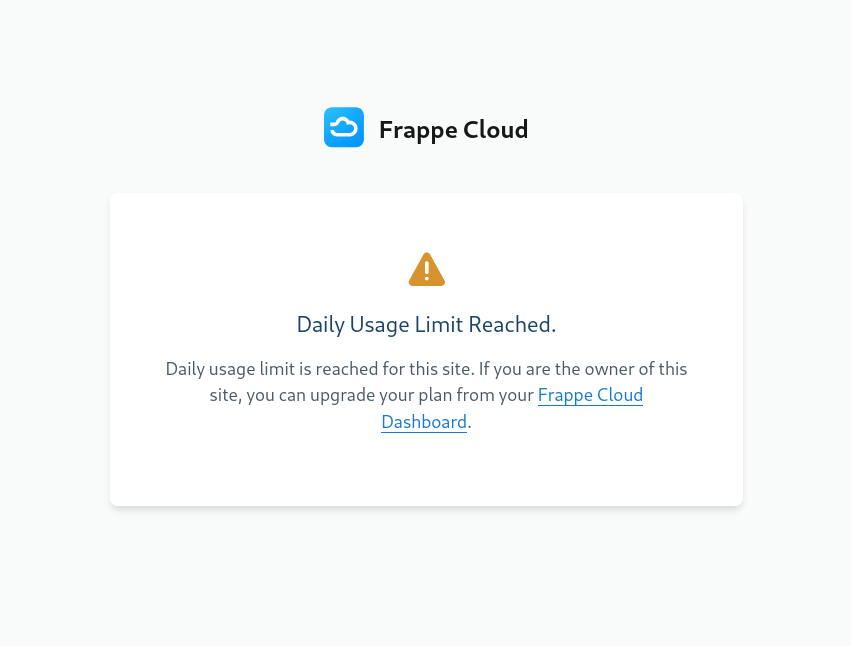
This happens when you exceed CPU hours allotted for your site. If you're confused as to how you reached your CPU hours limit, you can check the Insights tab of your site.
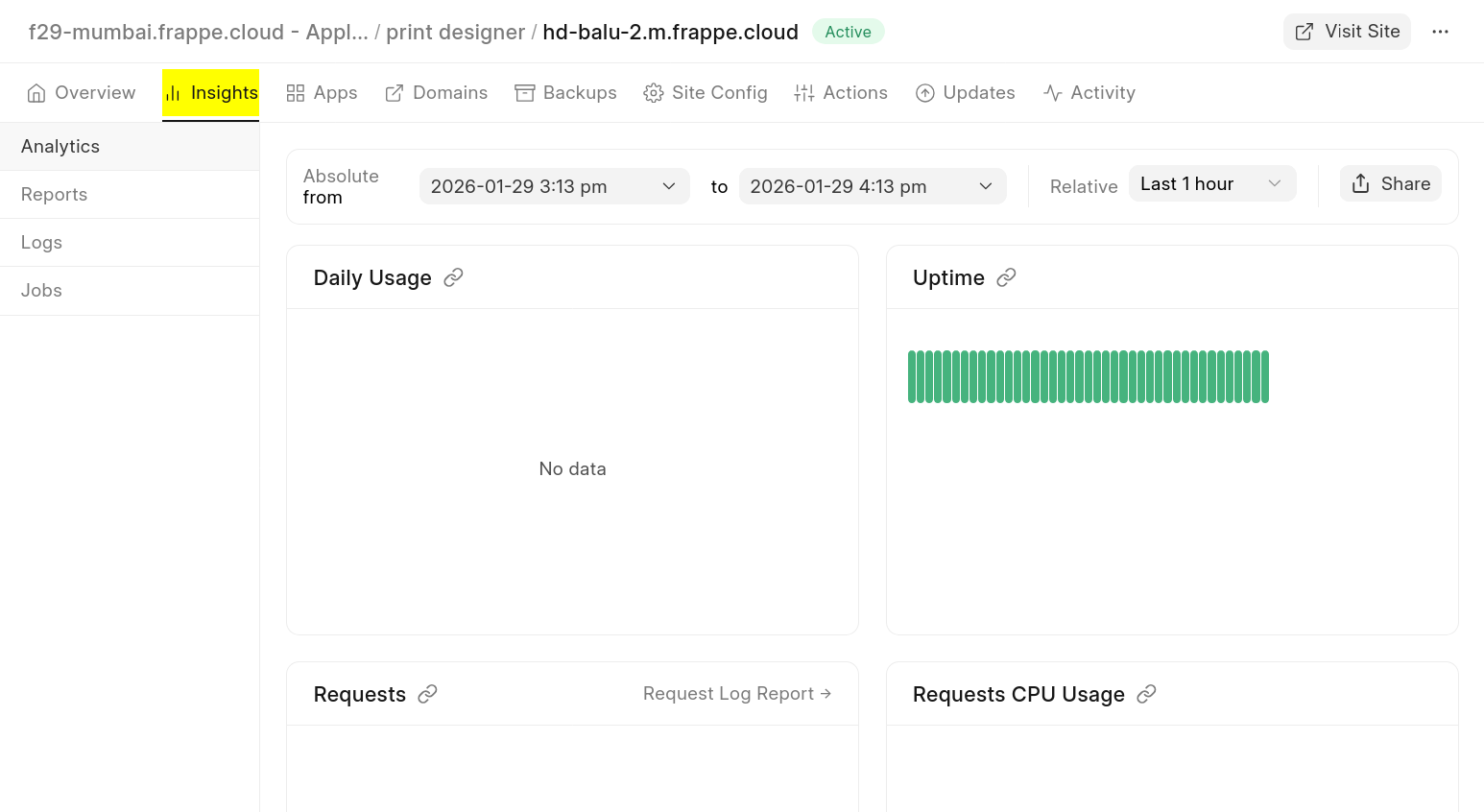
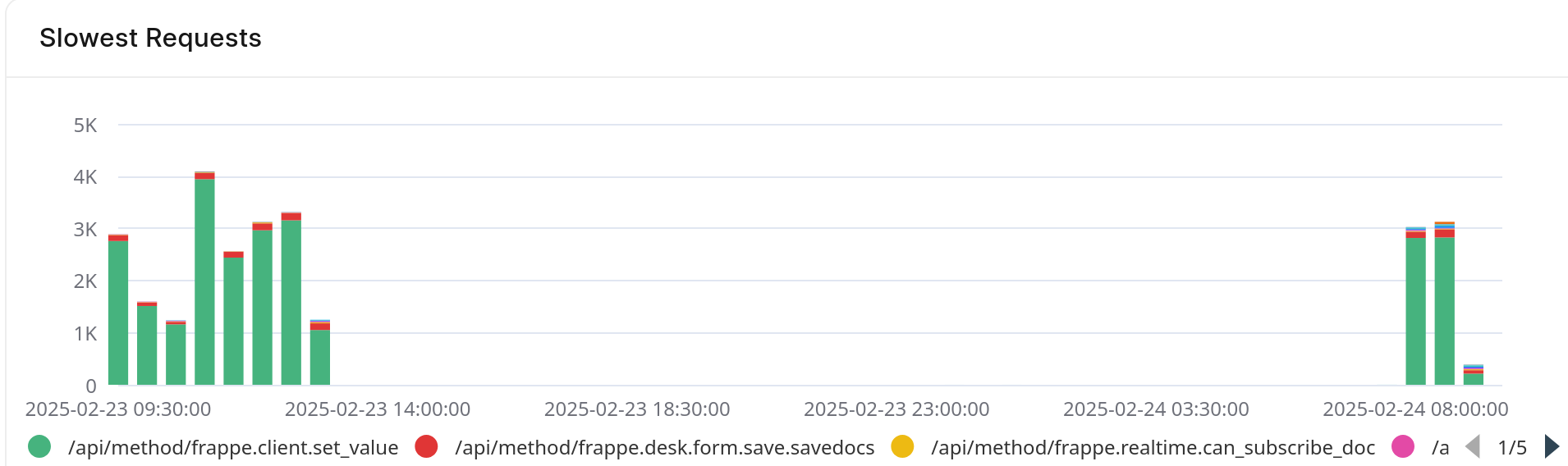
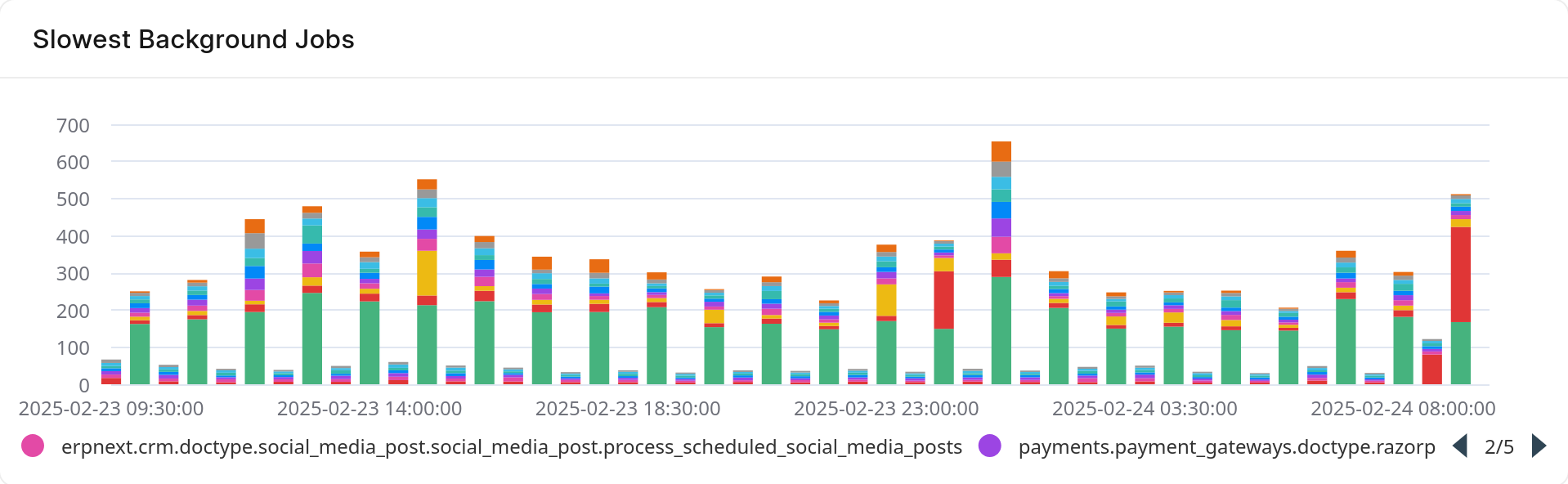
Here, you can scroll down to Advanced analytics to see:the Slowest Requests and Slowest Background Jobs graphs. This will give you an idea of which endpoints in your site take most time/requests. We can take a look at the following graphs as an example
Here, the red bars are seem to take relatively long and should be looked into.
It is sorted in descending order, so the first endpoints in the list are usually slowest.
Last updated 5 months ago
Was this helpful?