


















You can directly schedule version upgrades from a site's dashboard.
Sites on Private Benches
- To upgrade the version for your site, go to your Frappe cloud site Dashboard > Actions > Version Upgrade.
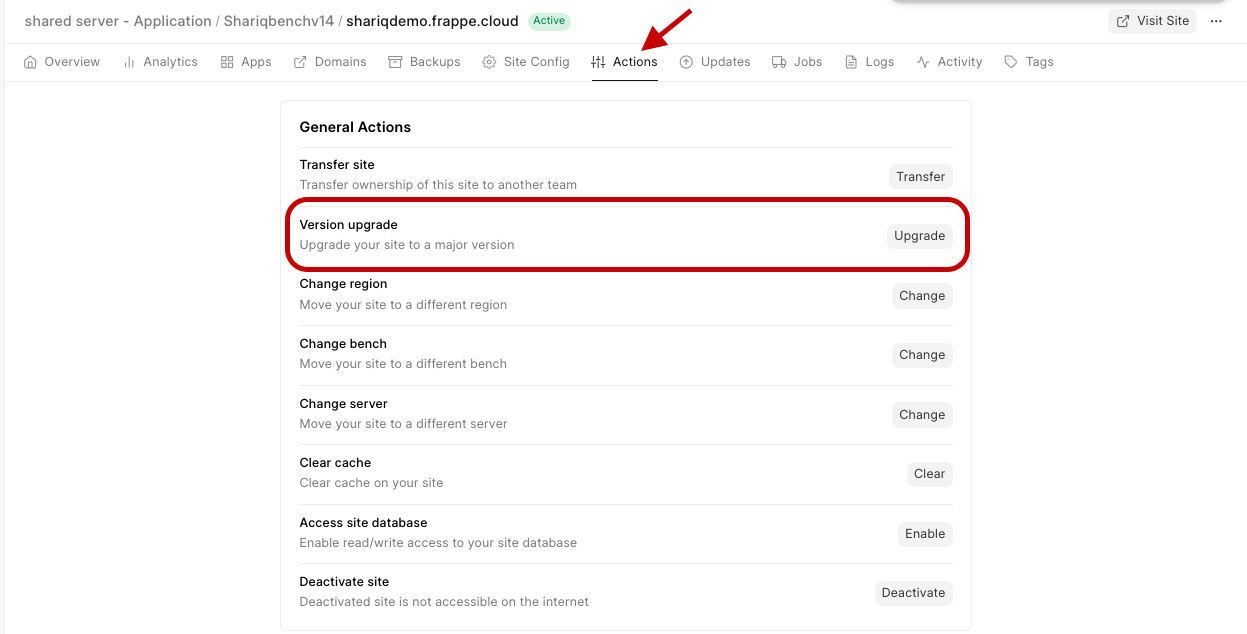
- If you have any custom frappe apps on your bench, you will be prompted to select the branch.

- Click on Upgrade.
- A new bench will be created and the site will be moved there.
Sites on Public Bench
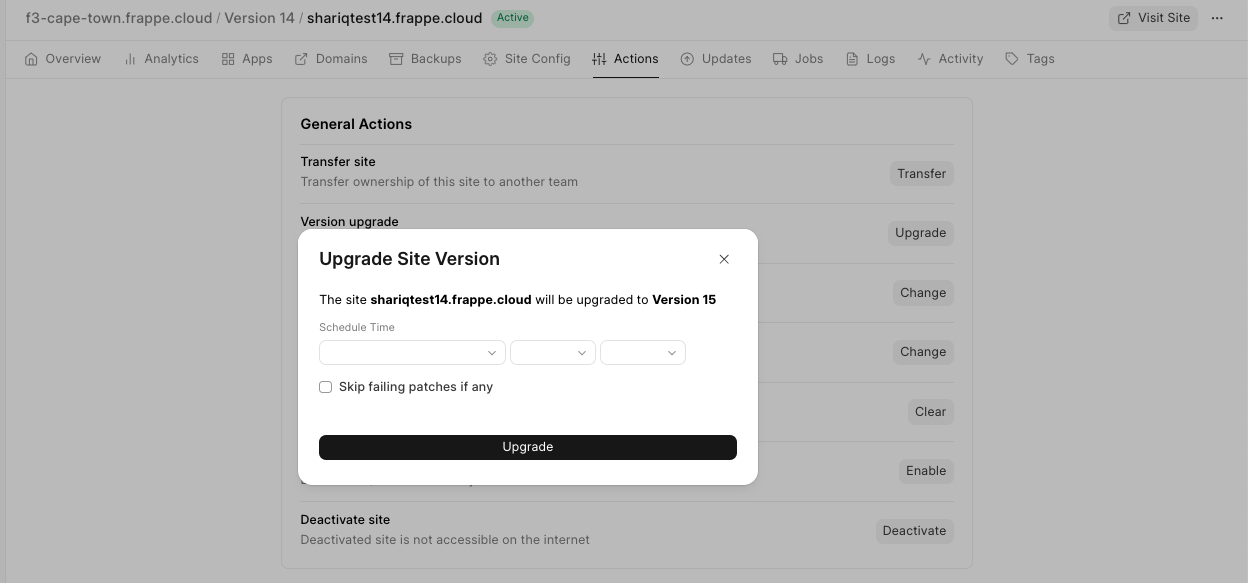
- To upgrade the version for your site, go to your Frappe cloud site Dashboard > Actions > Version Upgrade.
- Click on Upgrade if your site is not on the latest version.
Last updated 8 months ago
Was this helpful?