


















Disable Account / Cancel Subscription
If you no longer want to use Frappe Cloud services and you want to disable your account, follow these steps:
-
Login to your dashboard
-
Drop all the sites and servers
-
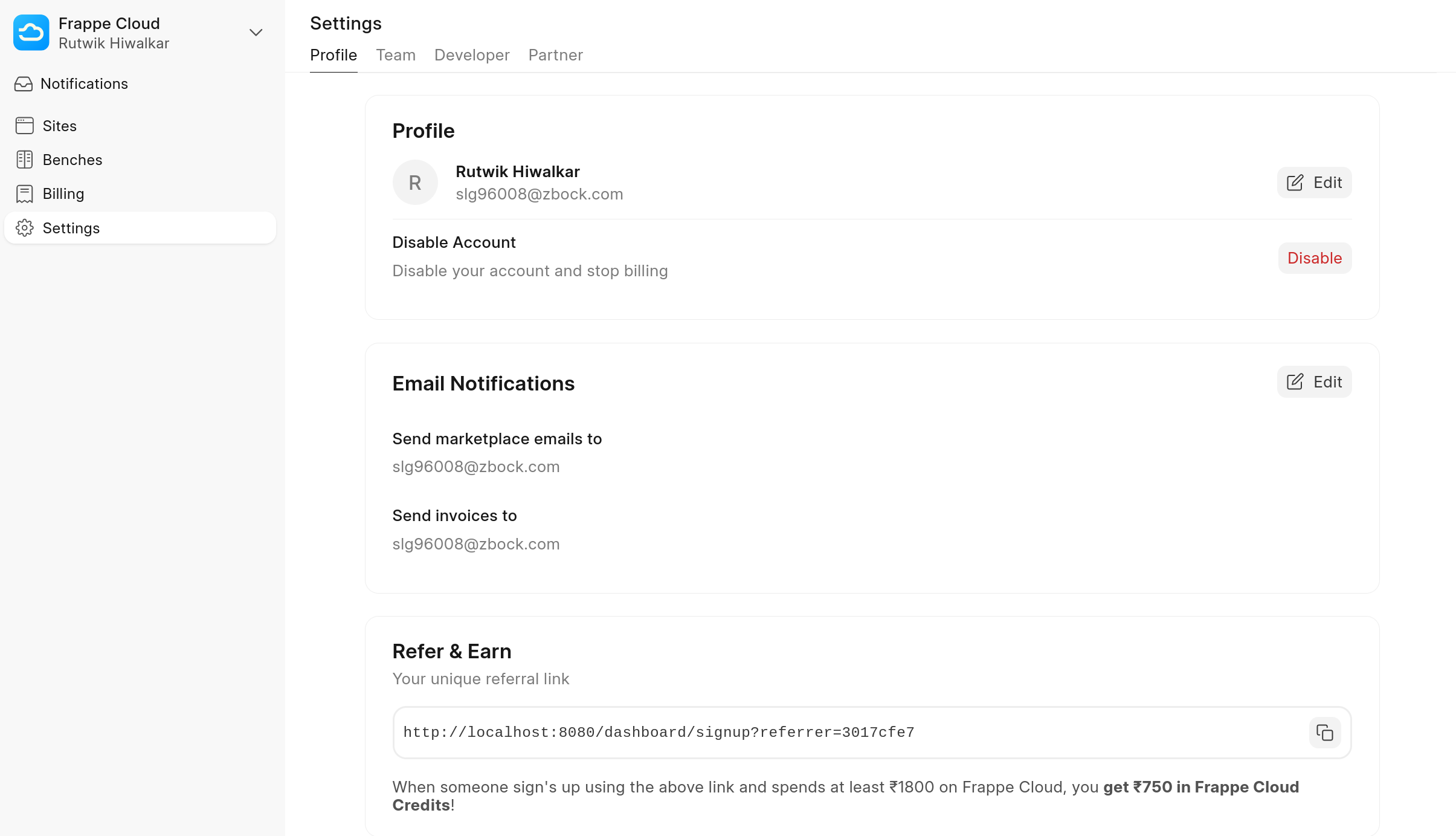
Click on Settings in the top bar
-
Under Team Actions section, click on the Disable button against Disable Account
-
After you confirm, your account will get disabled
- Your sites will get suspended
- You won't be able to create new sites
- Your billing will be paused
Frappe Cloud is not responsible for any refunds if the above steps are not followed properly before disabling or closing your account.
Last updated 8 months ago
Was this helpful?