


















With private benches you can unlock the pull power of Frappe Cloud. To understand what a private bench is, first you have to understand what Benches are.
Public Benches
Any site you create using the + New button from Frappe Cloud dashboard home page, is created under a bench that is maintained by us.
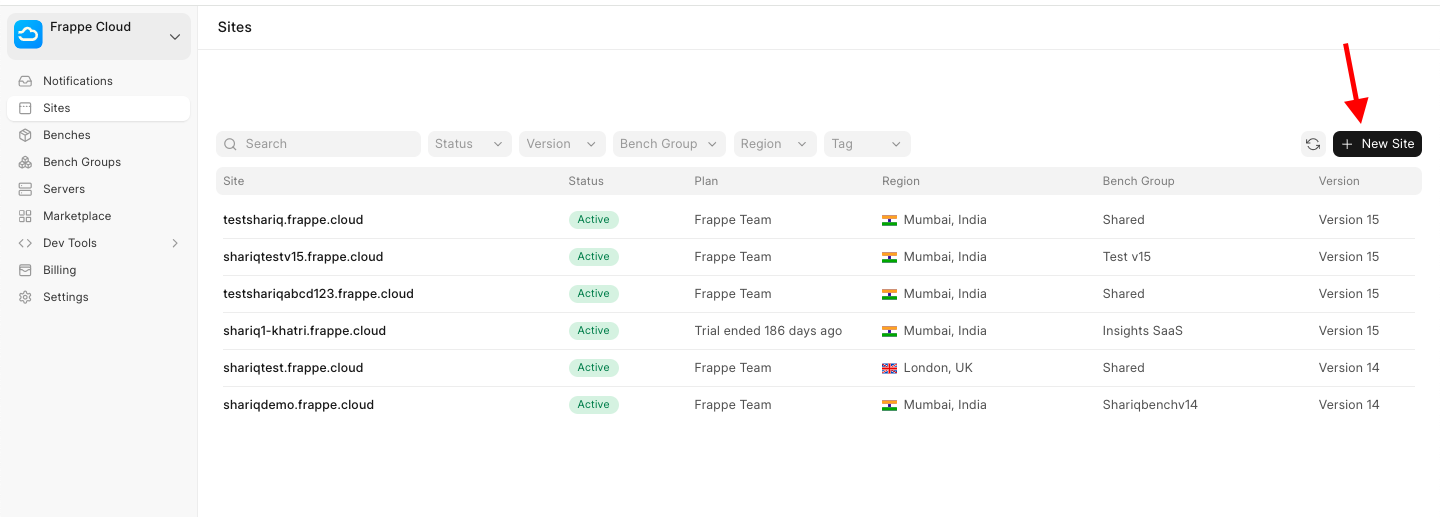
We call these benches public because any user can create site on them. Users have no control over the bench environment, i.e., you cannot add custom apps, update the existing apps, etc. You can see your sites which are on a public bench group under the Sites menu inside the dashboard.
The bench environment is fully managed and maintained by the Frappe Cloud team, including all updates, security patches, and infrastructure management.
Private Benches
In contrast to public / managed benches, private benches are under your control. You get to choose what apps to add (you can add your own custom apps too!), what apps to update, what region to deploy onto, SSH Access, Server scripts (v15+) etc.
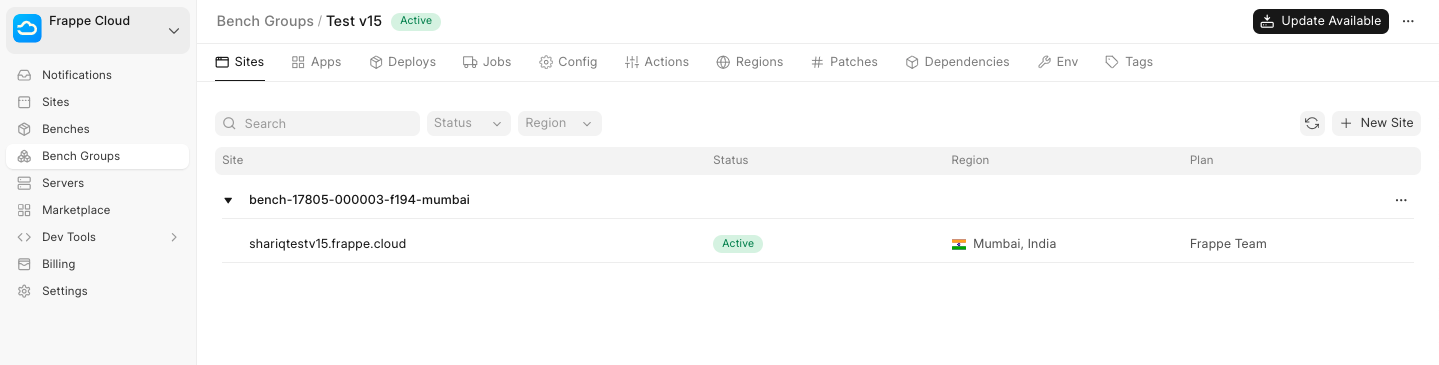
Only the sites that you create can live on your private benches.
To learn how to create a new private bench visit this link.
Pricing
You can only create sites on USD 25 and above plans. This is because private benches consume more resources than a simple shared site.
Note: You are not billed for the bench groups you create, you are billed only when you create a site inside the bench group.
How to unlock Private Benches
This feature is not available for trial and is only available after adding a payment method to your Frappe Cloud account.
Step 1: Update payment method.
Step 2: Create Private Bench > Add Apps > Deploy.
Step 3: Create a new Site under the Private Bench.