


















Move Site From Shared To Private Bench
If your site is currently running on a shared bench, you can move it to a private bench to gain access to Server Scripts, install custom apps, and have better control over your bench environment.
-
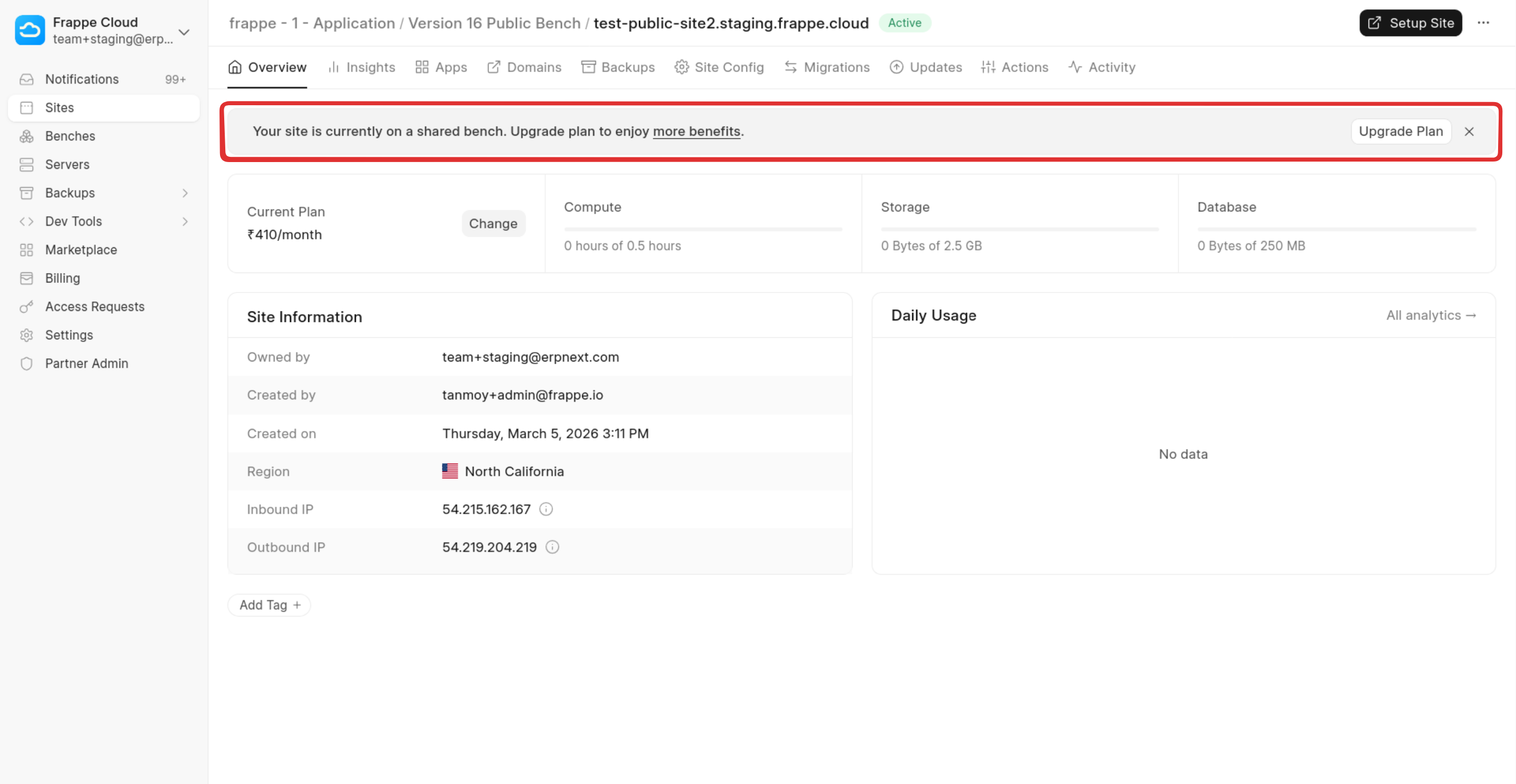
Verify Plan Eligibility : First, confirm that your site plan supports private benches. If your current plan does not support this feature, a banner will appear on the site page indicating that an upgrade is required. Click the Upgrade Plan button to proceed.
-
Upgrade Your Plan : To enable private bench support, upgrade your site to any plan priced at $25/month or higher.
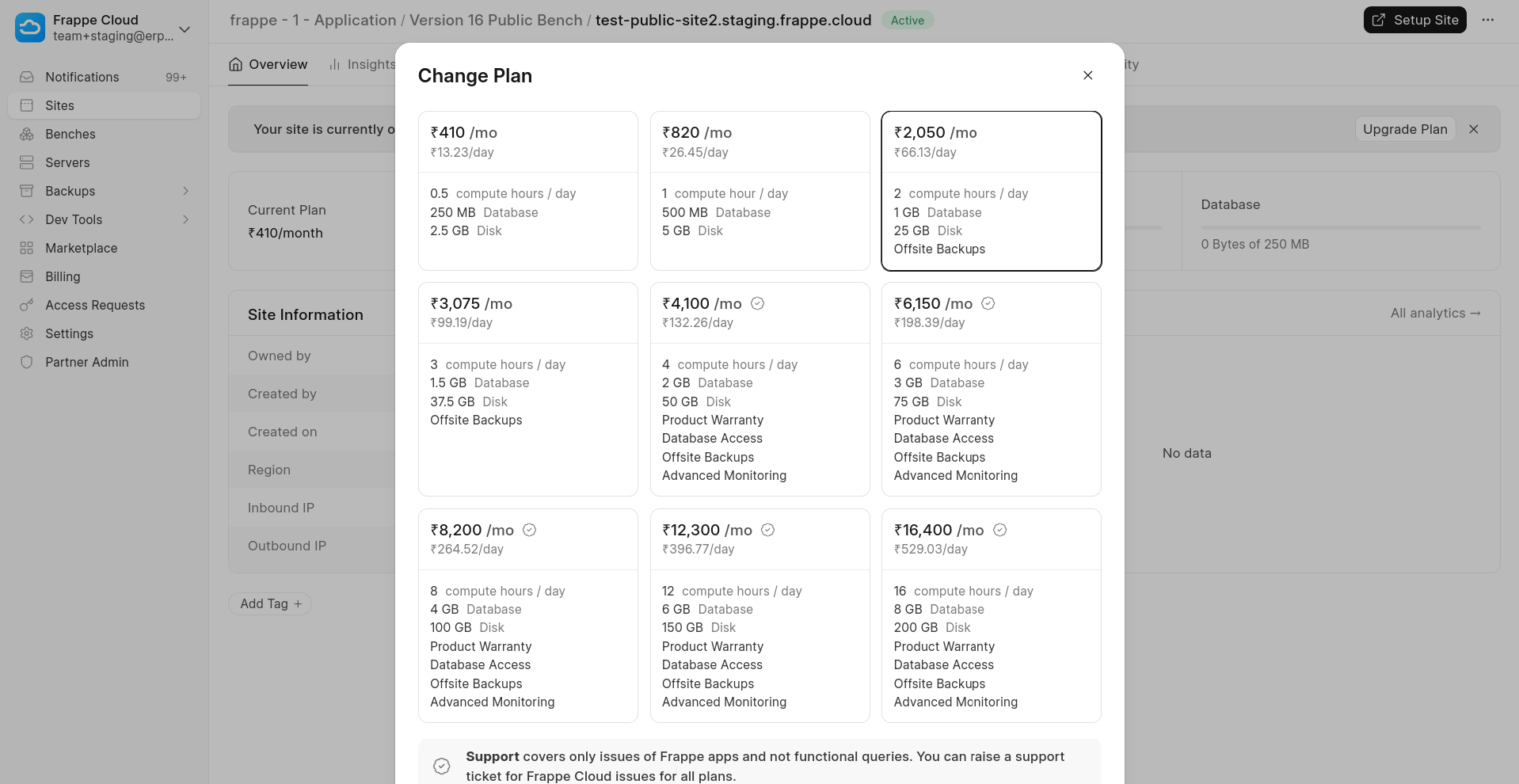
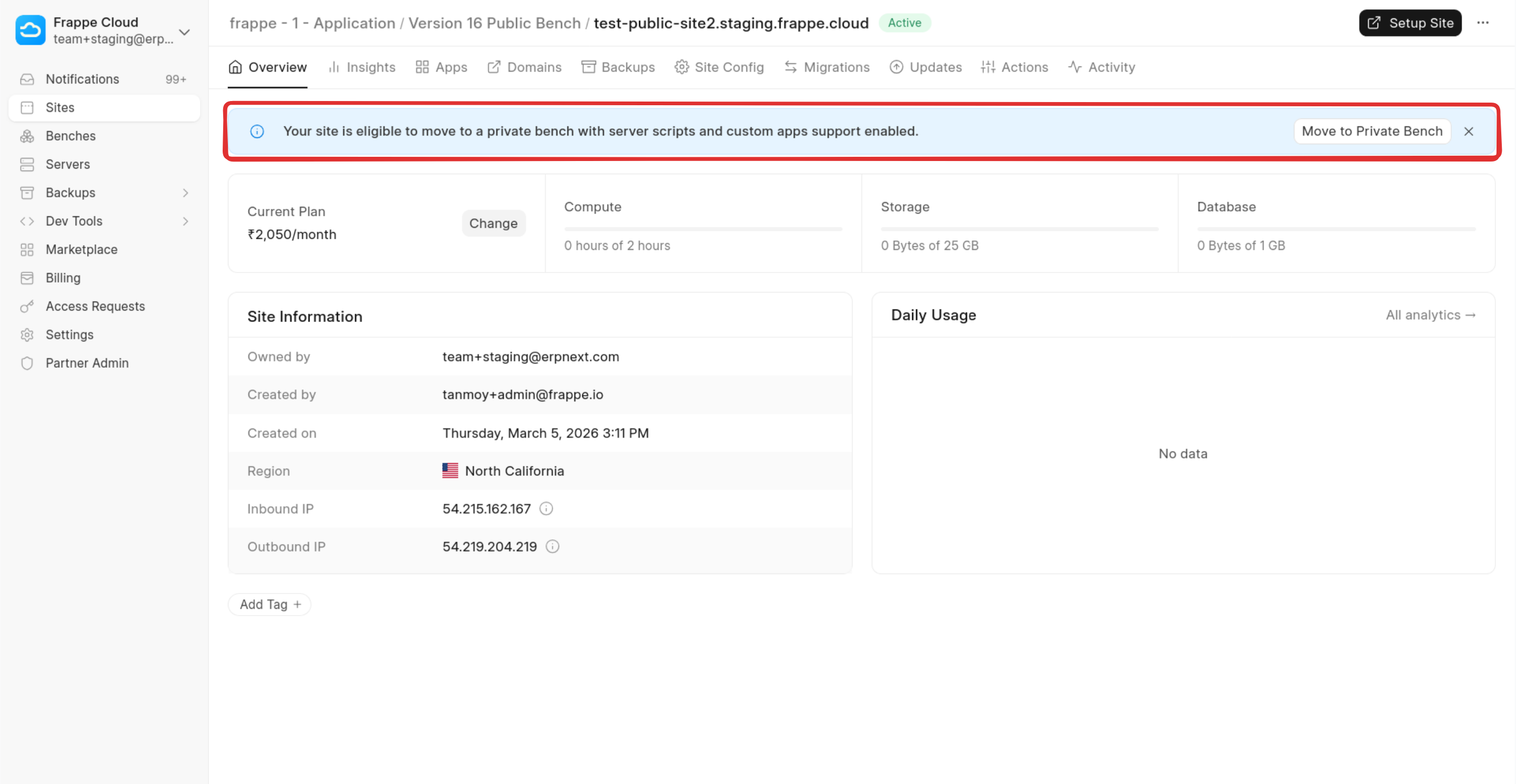
After upgrading, a new banner will appear on the site page prompting you to move the site. Click Move to Private Bench.
-
Confirm the Migration Configuration : A dialog will appear with pre-filled configuration details for the migration.
In most cases, you can keep the default values and click Move to Private Bench to proceed.
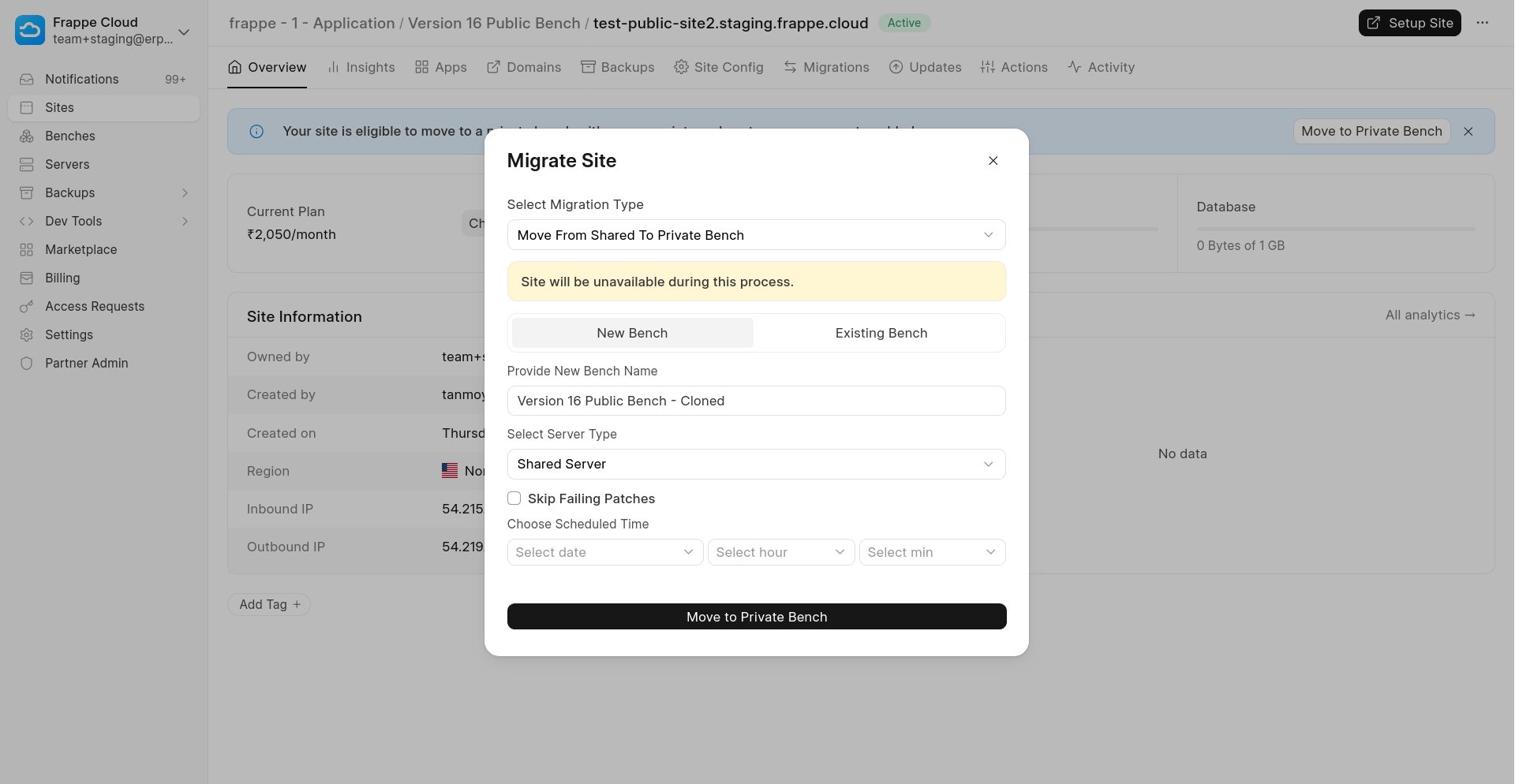
Additional options are also available in the dialog, such as - Moving the site to a dedicated server or to an existing bench. You can explore these options if your setup requires a different configuration. -
Track the Migration Progress : After triggering the migration, you will be redirected to a progress page where you can monitor the status of the operation.
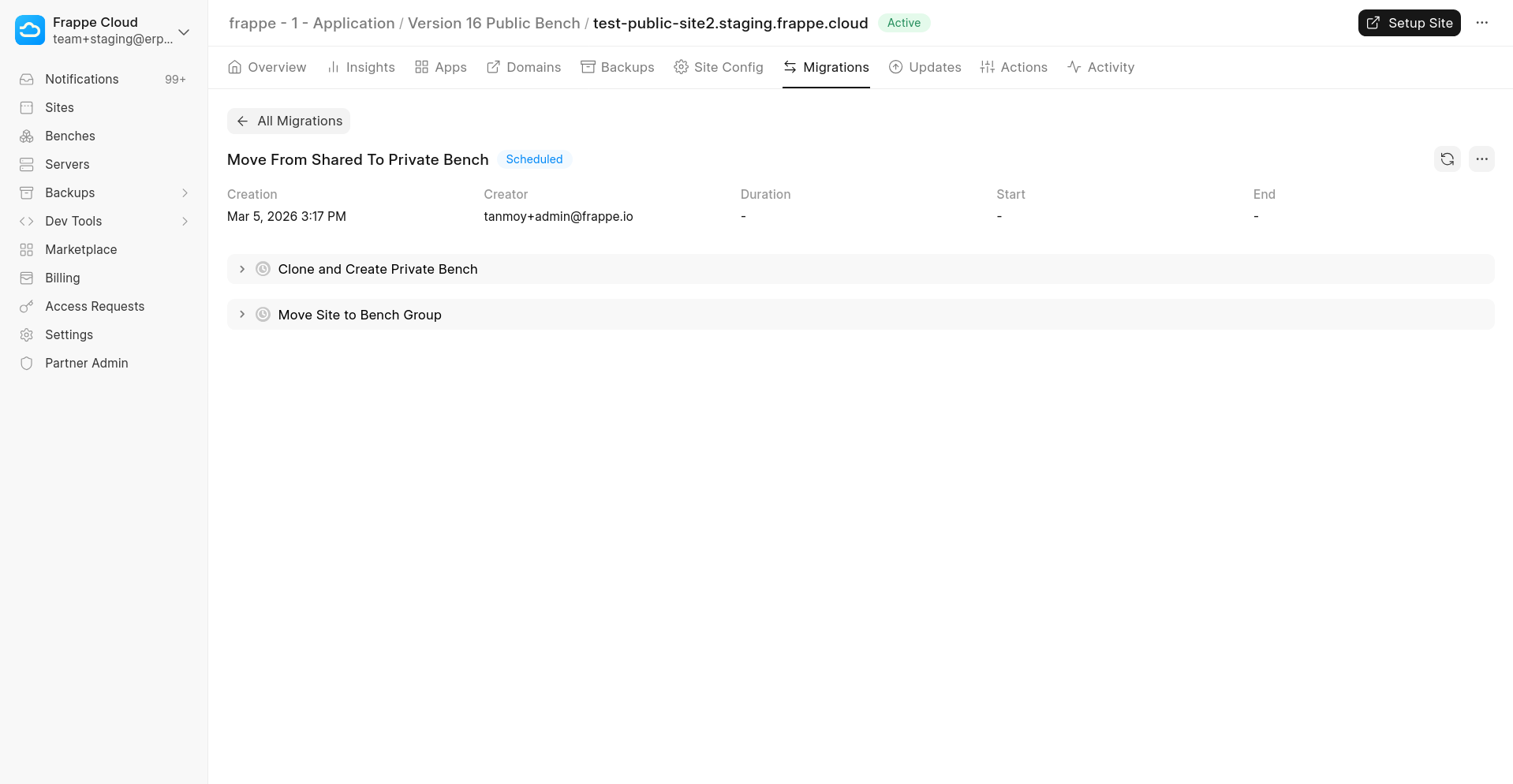
-
Migration Completion : Once the migration process finishes, your site will be running on a private bench according to the selected configuration.
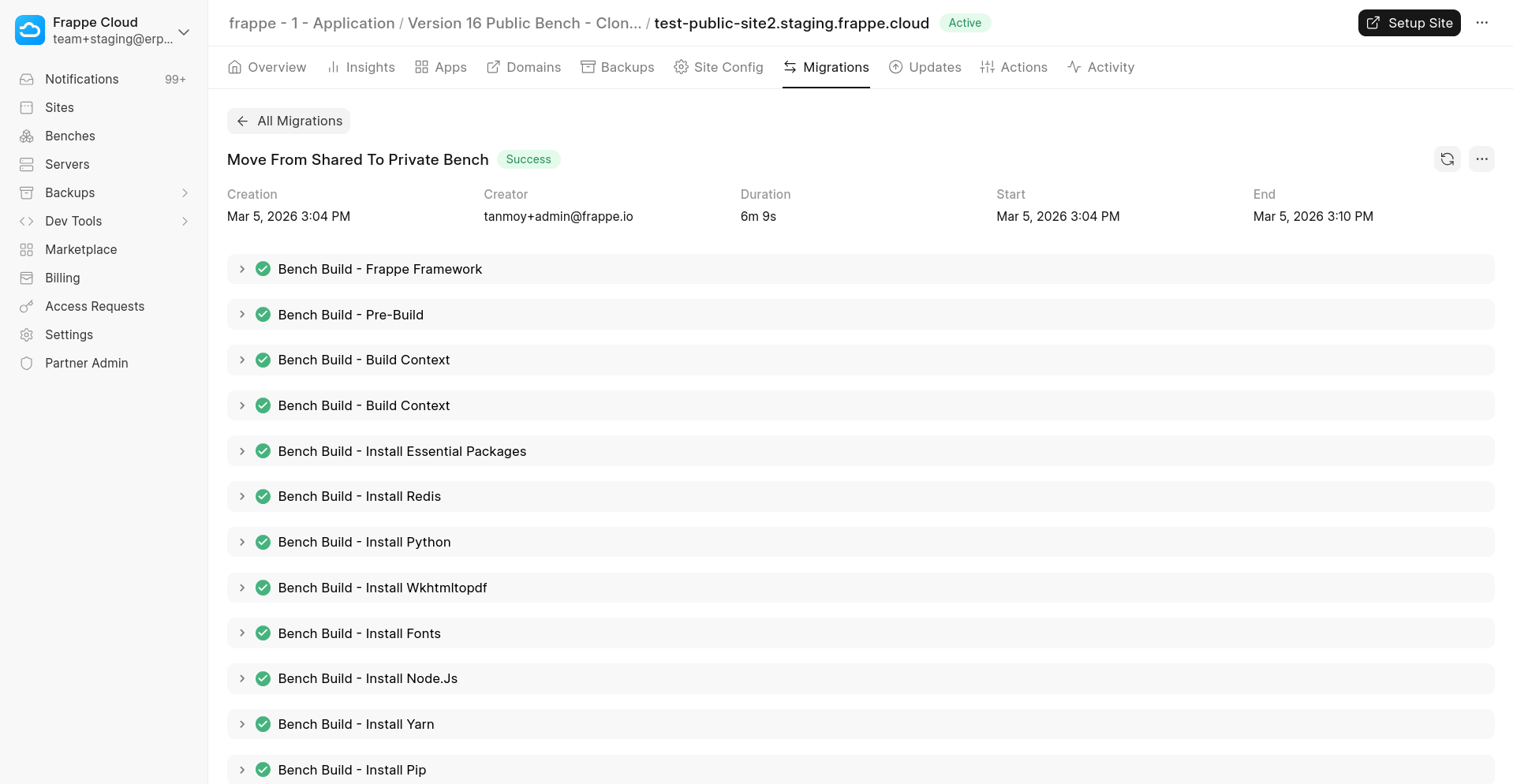
You can now start using features such as server scripts and custom app for your site.