


















Request Timed Out
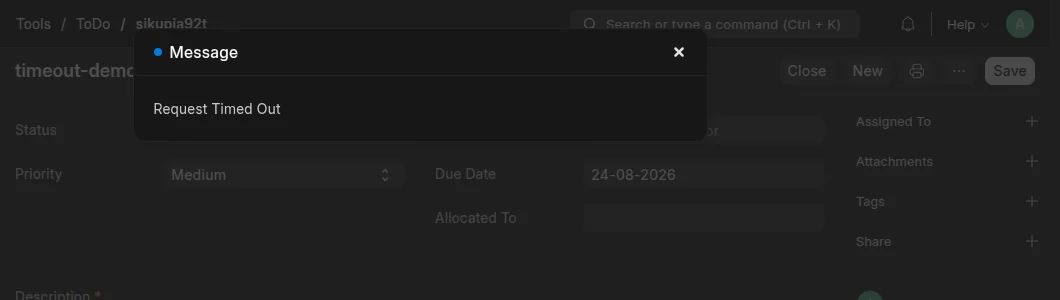
One action took longer than the HTTP timeout of the bench. The default timeout is 120 seconds. The proxy stopped the request and returned 504. The dialog has the title Message and the text Request Timed Out.
The server is not at fault. The code behind that one action is too slow.
If the site shows Request Timeout: Server was too busy, read that page instead. That error is a database lock.
Find the cause
- Read the slow queries of your site. A slow query is the usual cause.
- If the queries are fast, the Python code is slow. Do the same action from
bench consoleafter you connect with SSH. - Time each step of the action there. The step that takes the most time is the one to correct.
Correct it
- Make the slow code faster. Add an index, or remove work from the loop.
- Move work that is always slow to a background job. The user then does not wait for it.
- If you cannot change the code now, increase
http_timeoutin the bench config. This hides the error. It does not correct it.
Last updated 3 weeks ago
Was this helpful?