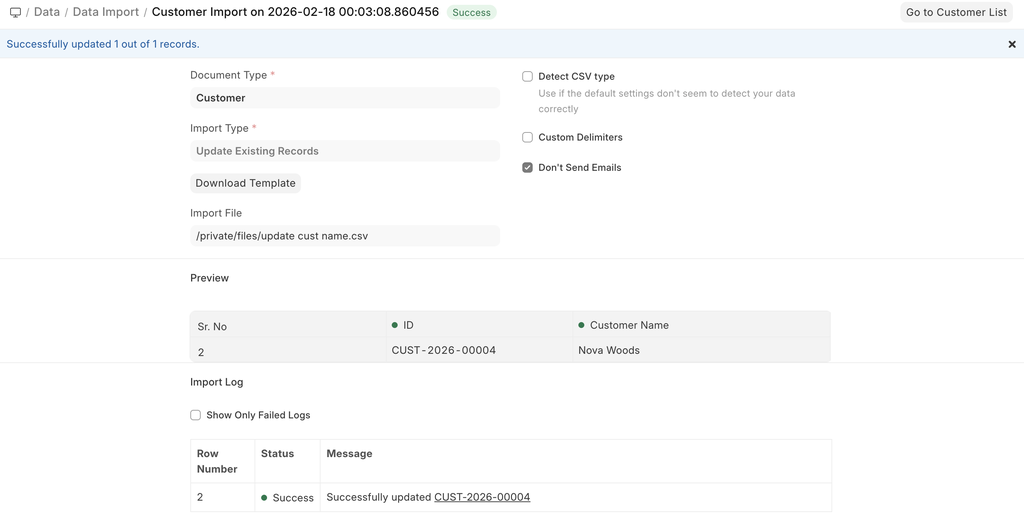
Updating Existing Records
Let's say you want to update Customer data in bulk in your system. The first step is to download the template with the data.
We start by downloading the template. While doing this, since we want to update, we can use filters to extract the exact records and import them back for updating.
First, we select the document type and the import type as Update Existing Records, and Save
When we try to download the template, we can apply filters, something like this
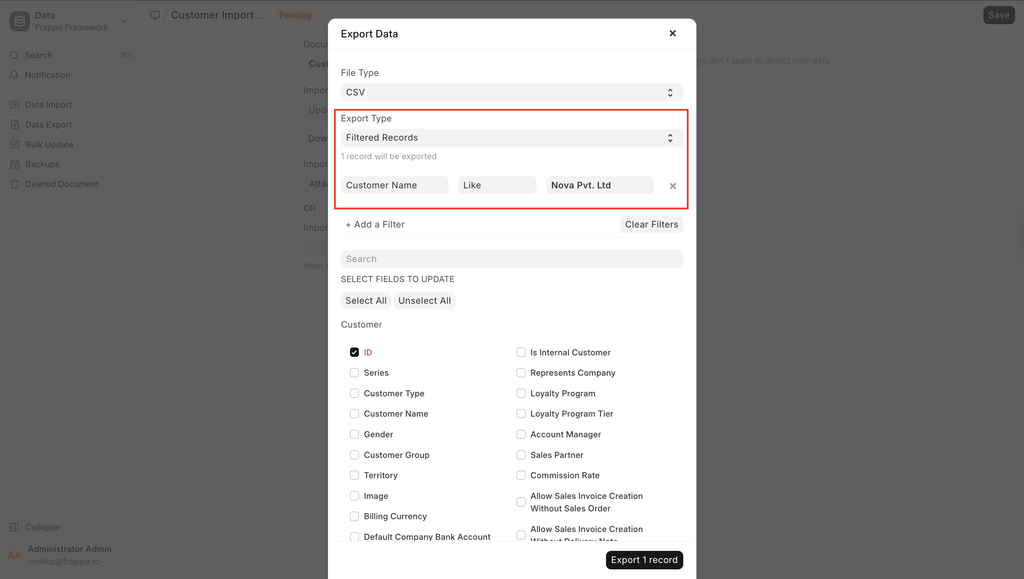
We click on Export.
Now, based on the templat,e the existing records look like this:
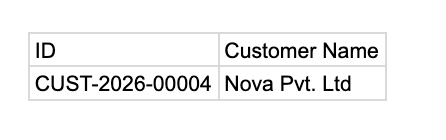
- Now, change the values in your template and save the file as Excel or CSV.
While exporting records for updating them, ensure that the ID column is exported and is untouched. The values in the ID column are used to identify the records in the system. You can update the values in other columns but not in the ID column. If you remove some child table row, the system will consider that the row is supposed to be deleted.