
Asset Maintenance refers to any activity done on Assets to maintain their performance or condition.
ERPNext provides features to track the details of individual maintenance/calibration tasks for an asset by date, the person responsible for the maintenance, and future maintenance due date.
To access the Asset Maintenance list, go to:
Home > Assets > Maintenance > Asset Maintenance
1. Prerequisites
- Create an asset
- Create an Asset Maintenance Team.
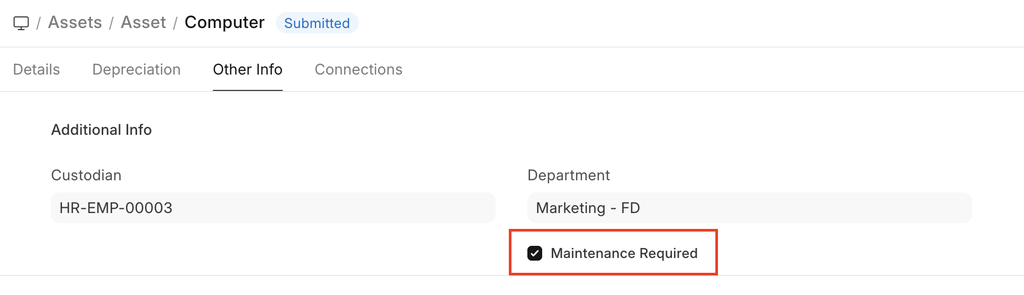
2. How to create an Asset Category
Create an Asset Maintenance Record
- Go to Asset Maintenance.
- Click New.
- Fill in the required details:
- Basic Details
- Asset: Select the Asset requiring maintenance.
- Maintenance Team: Select the responsible team.
- Maintenance Type:
- Preventive – Scheduled routine maintenance.
- Calibration – Adjustment to restore measurement accuracy.
- Schedule Details
- Start Date: Date when maintenance is scheduled to begin.
- End Date: Expected completion date.
- Last Completion Date: Enter the actual completion date if maintenance was performed later than scheduled.
- Save and Submit the document.
Asset Maintenance is a transaction and must be submitted to confirm the schedule.
3. Features
3.1 Asset Maintenance Log
Once submitted:
- An Asset Maintenance Log is created.
- The log tracks the execution of the maintenance task.
- Future maintenance due dates are calculated based on the schedule.
3.2 Maintenance in ToDo
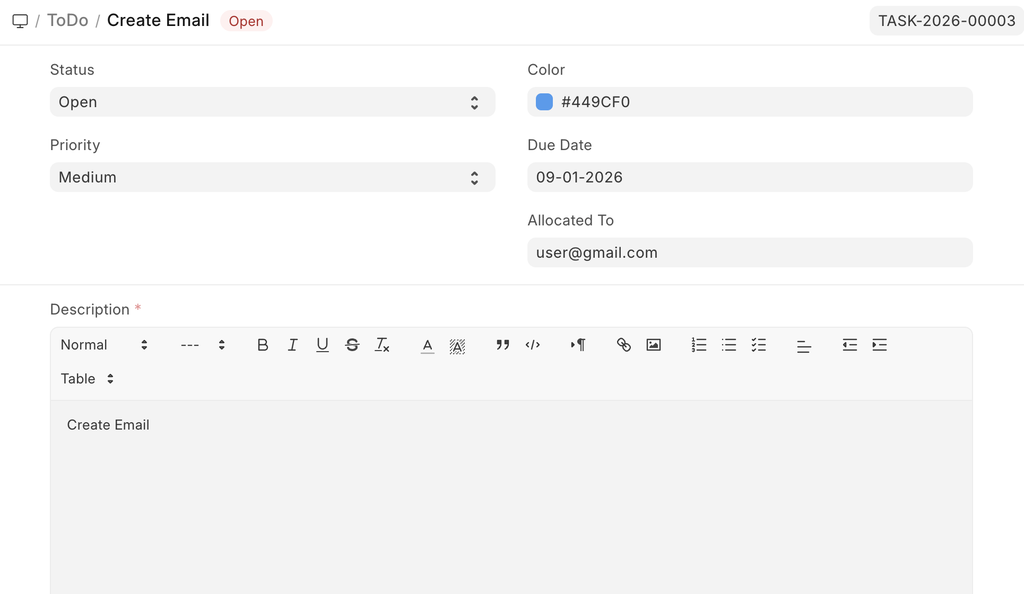
When a maintenance task is assigned to a user:
- It automatically appears in the assigned user’s ToDo list.
- This ensures responsible personnel are notified and reminded.
4. Related Topics
Last updated 4 days ago
Was this helpful?