
Asset Maintenance Team
Asset Maintenance Team is a master record used to define a group of employees responsible for carrying out maintenance activities on Assets.
Maintenance activities may include cleaning, polishing, servicing, inspection, calibration, or any other task required to keep an Asset in good working condition. Creating a maintenance team ensures accountability and proper assignment of maintenance schedules.
To access the Asset Maintenance Team, go to:
Home > Assets > Maintenance > Asset Maintenance Team
1. How to create an Asset Maintenance Team
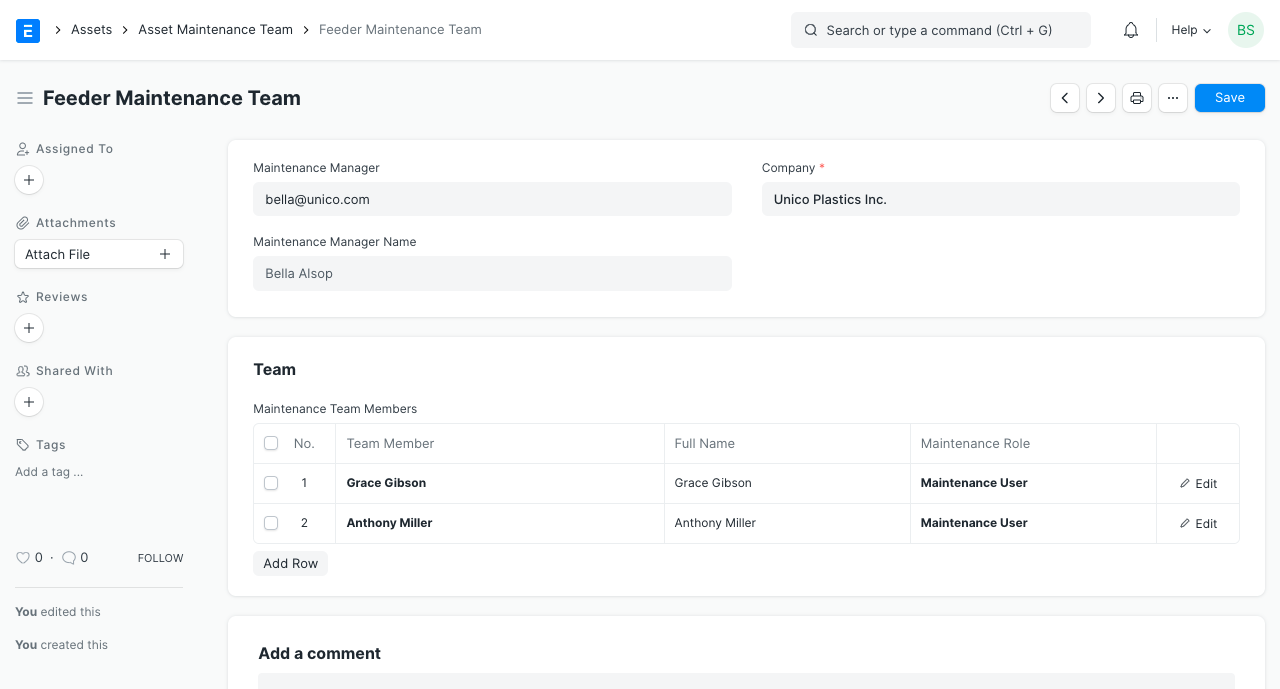
- Go to the Asset Maintenance Team list, click on New.
- Enter a name for the team.
- Select a manager for the team.
- In the Maintenance Team Members table, add the team members and select their maintenance roles.
- Save.
Related Topics
Last updated 4 days ago
Was this helpful?