

















Frappe provides an easy way to generate forms for your website with very little configuration. These forms may be public (anyone can fill them up), can be configured to require login, or can be made available through private request links.
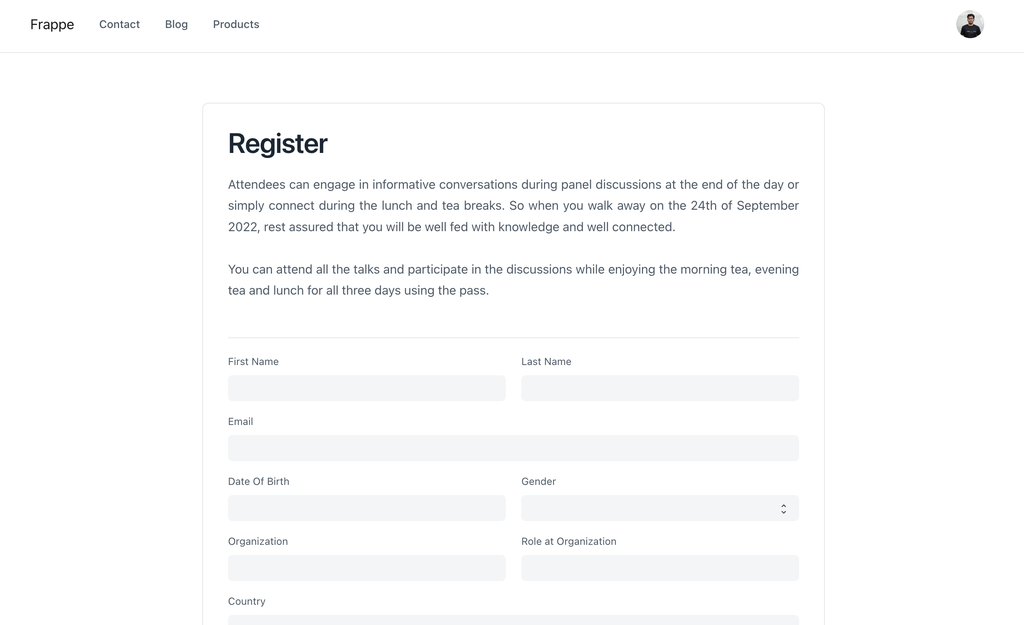
Creating a Web Form
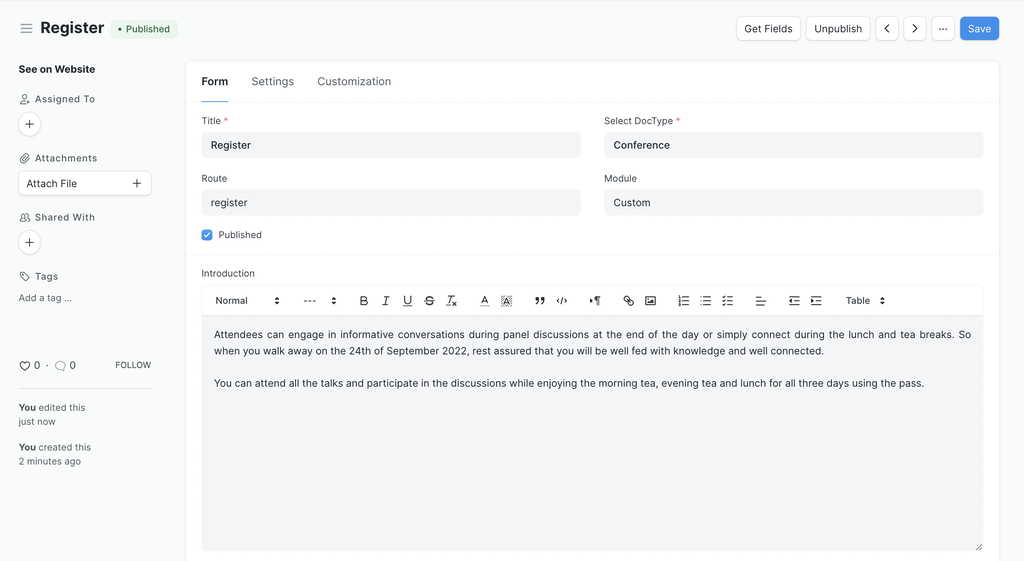
To create a Web Form, type "new web form" in awesomebar and hit enter.
- Enter Title
- Select DocType for which the record should be created.
- Add some introduction (Optional).
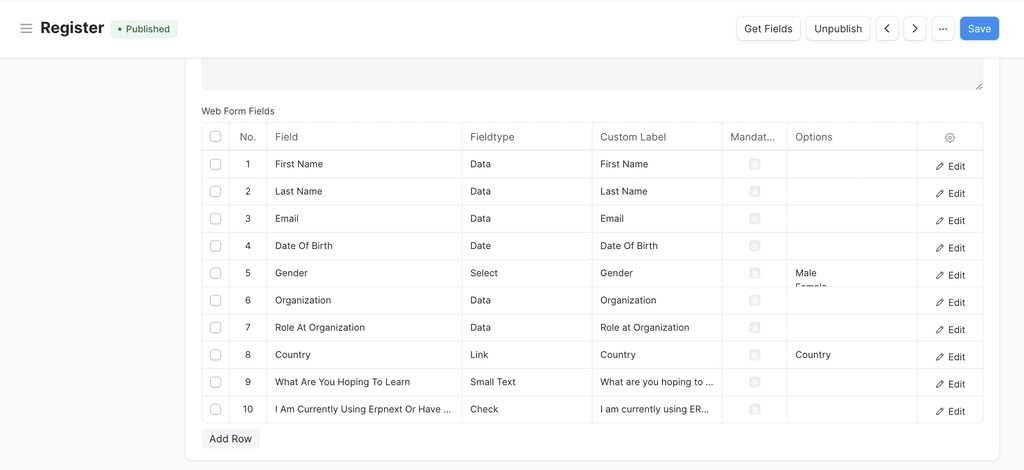
- Click on "Get Fields" button to get all fields from selected doctype OR select fields for your web form.
- Publish it and you are good to go.
Standard Web Forms
If you check the "Is Standard" checkbox, a new folder will be created in the
module of the Web Form. In this folder, you will see a .py and .js file
that you can use to configure the web form. These files need to be checked into
version control with your custom app. You can install this app on any site and
it will have this web form installed.
Is Standardfield will only be visible when you are in developer mode.
Last updated 4 months ago
Was this helpful?