


















Leave allocation after Compensatory Leave Request
Use case: If an employee works on a Holiday and wants to apply for a compensatory off, the following process is important in Frappe HR:
-
Create an Employee with the mandatory details and assign a Holiday List and a Leave Policy to it.
-
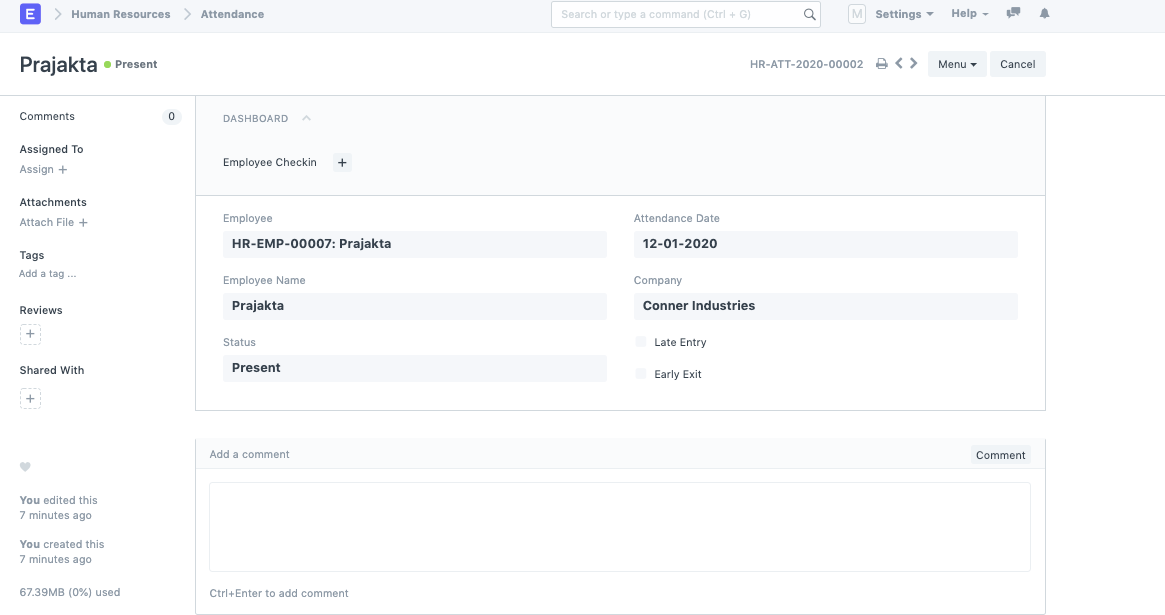
Attendance should be marked for the Employee, it is mandatory for the employee to be marked as present on the Holiday [this Holiday should be in the Holiday List.]
-
Create a Leave allocation for the Employee.
-
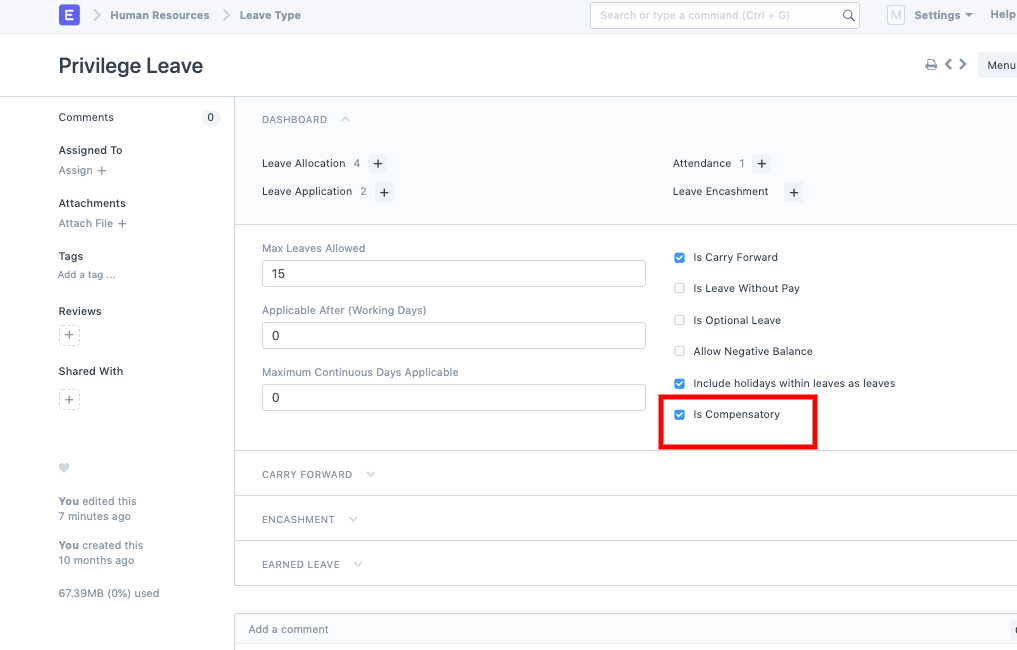
In the Leave Type list, for all the types that allow Compensatory off, tick the checkbox.
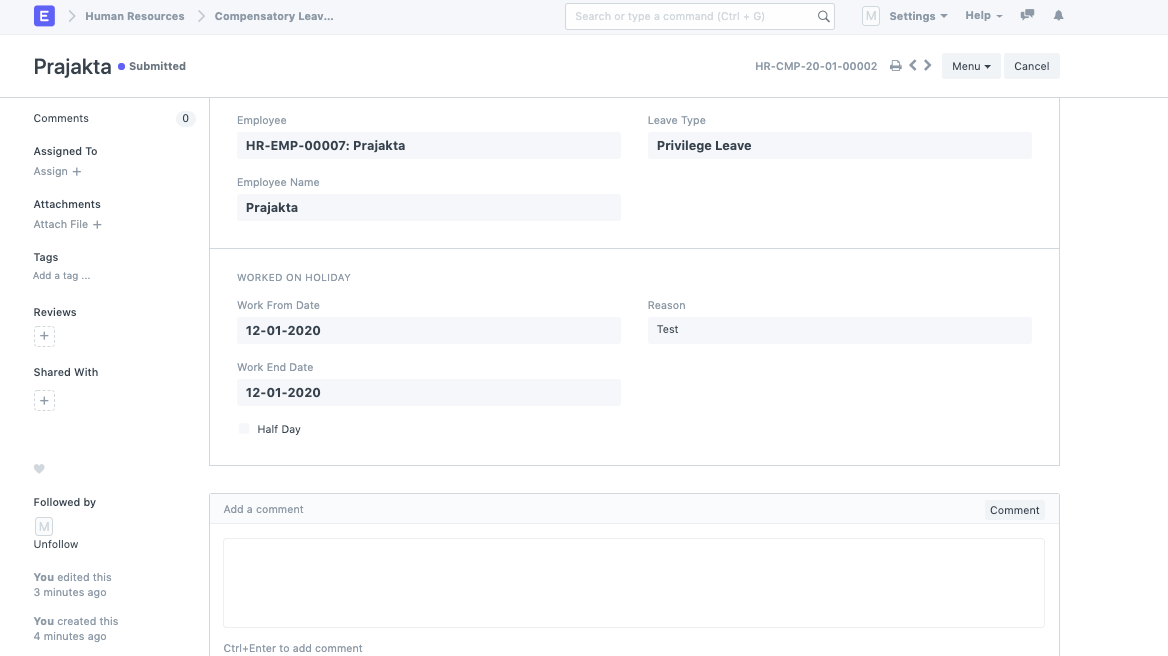
- Now, create a Compensatory Leave Request for the employee.
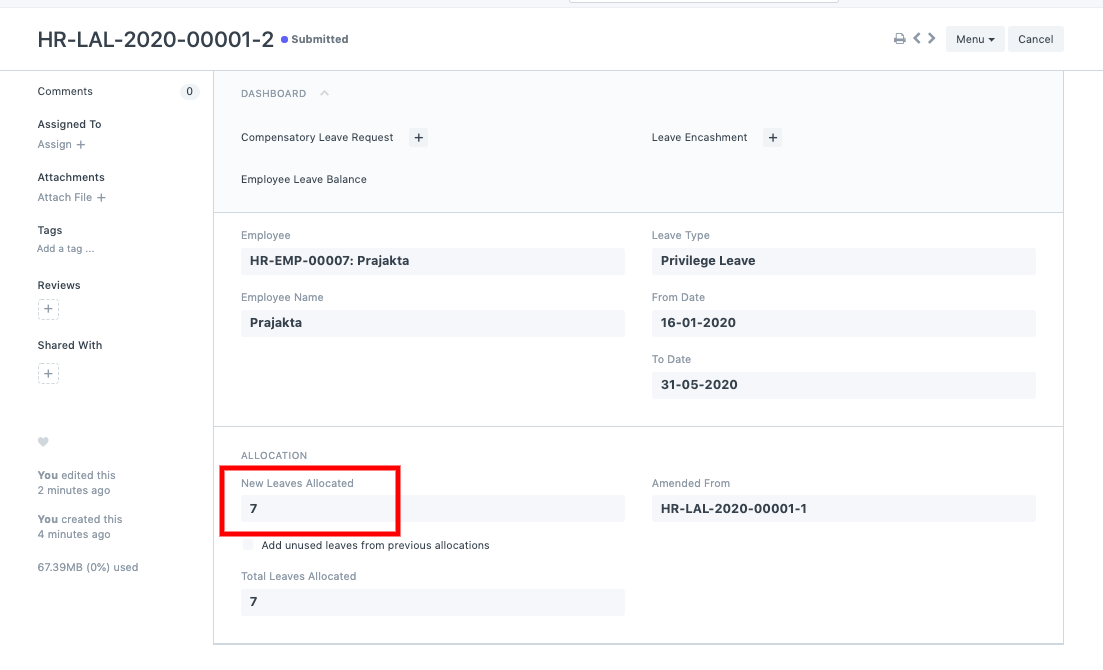
- Go back and check the Leave allocation for the leave added for the Employee.
Last updated 9 months ago
Was this helpful?