


















Email Digests allow you to get regular updates about your sales, expenses and other critical numbers directly in your Email Inbox.
Email Digests are a great way for top managers to keep track of the big numbers like “Sales Booked” or “Amount Collected” or “Invoices Raised” etc.
To set up Email Digest, go to:
Home > Settings > Email Digest
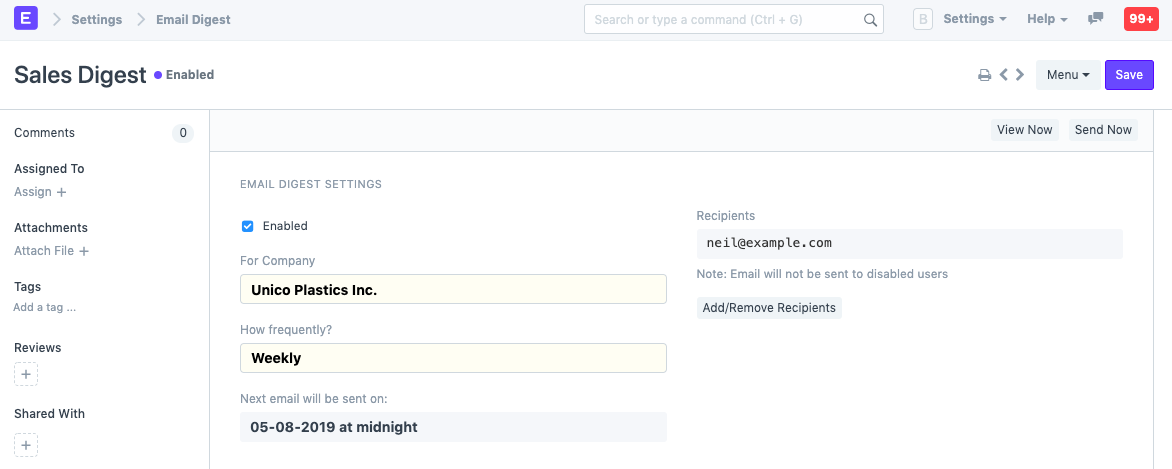
- Enter a name for the Email digest.
- Set the frequency of mails to be sent.
- Add or remove recipients.
- Select the items to be included in the digest.
- Save.
Example:
Related Topics
Last updated 8 months ago
Was this helpful?