


















Quality Meeting
A Quality Meeting is an assembly of people for a particular purpose or agenda, especially for formal discussion about Quality aspects.
Quality Meetings are conducted to review the Quality Reviews that have been generated. The minutes (summary) of these meetings would include the discussion on the various Quality Reviews, Quality Actions and Quality Feedbacks.
To access Quality Meeting, go to:
Quality > Quality Meeting
1. How to Create a Quality Meeting
- Go to the Quality Meeting list, click on Add Quality Meeting.
- In the Agenda table, enter the agenda. It is a list of meeting activities in the order in which they are to be taken up.
- In the Minutes table, select the Document Type (Quality Review, Quality Action or Quality Feedback) and the Document Name discussed in the meeting, and record the Minute of the discussion.
- Save.
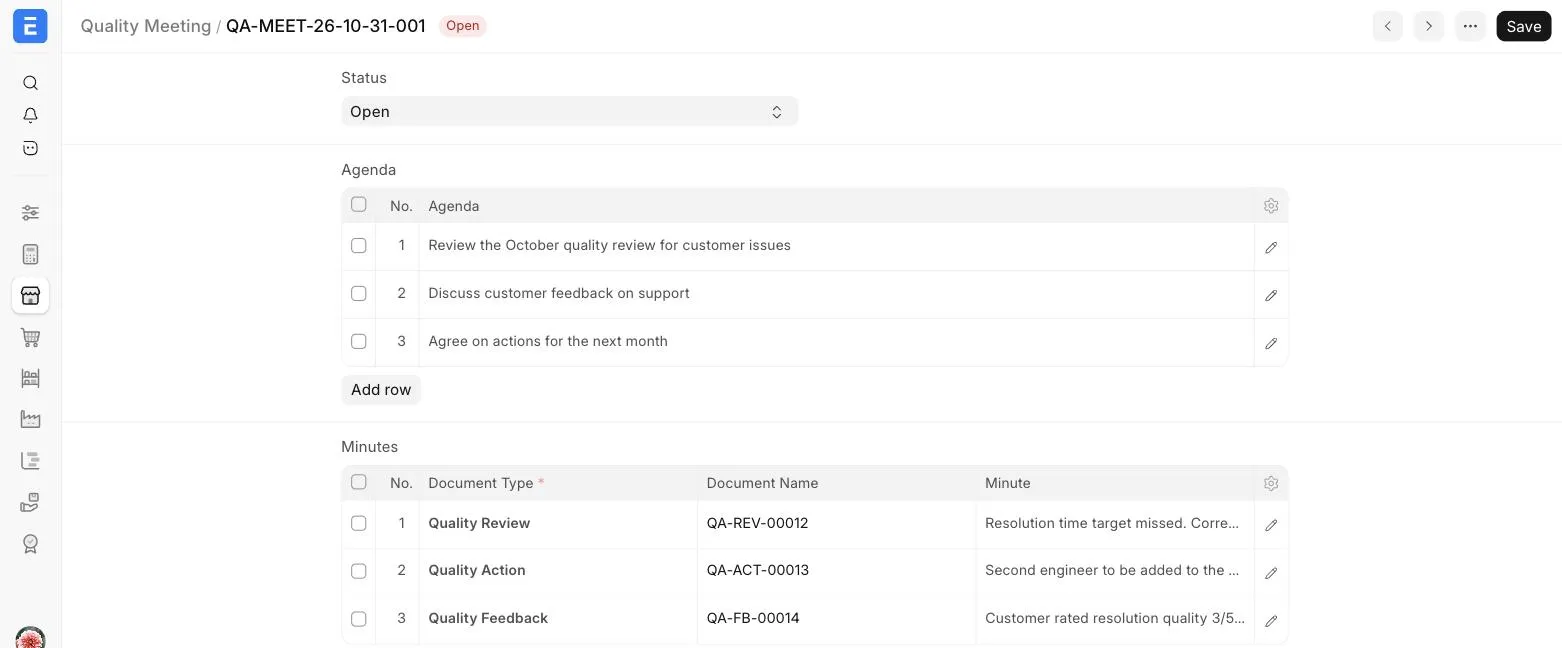
The Status of the Meeting can be set to Closed once the agenda is done.
Last updated 2 weeks ago
Was this helpful?