


















Gratuity Rule
Nova Industries pays gratuity to employees at its Pune branch under India's Payment of Gratuity Act. An employee who leaves after at least five years of service gets 15 days of basic pay for each year of service, where a month is counted as 26 working days. HR wants Frappe HR to calculate this amount the same way for every leaver.
A Gratuity Rule holds this policy. It says which Salary Components the gratuity is based on, how work experience is counted, the minimum years of service, and the fraction of those earnings paid for each year. You select the rule on a Gratuity record when an employee leaves, and Frappe HR calculates the amount from it. The Gratuity is then paid either through payroll as Additional Salary or as a separate payment. You can keep several rules, for example one for each country or type of contract.
Before you begin
- The earning components you base gratuity on, here Basic, exist and are part of the Salary Structure given to the employees through a Salary Structure Assignment.
- You have the HR Manager or HR User role.
Create a Gratuity Rule
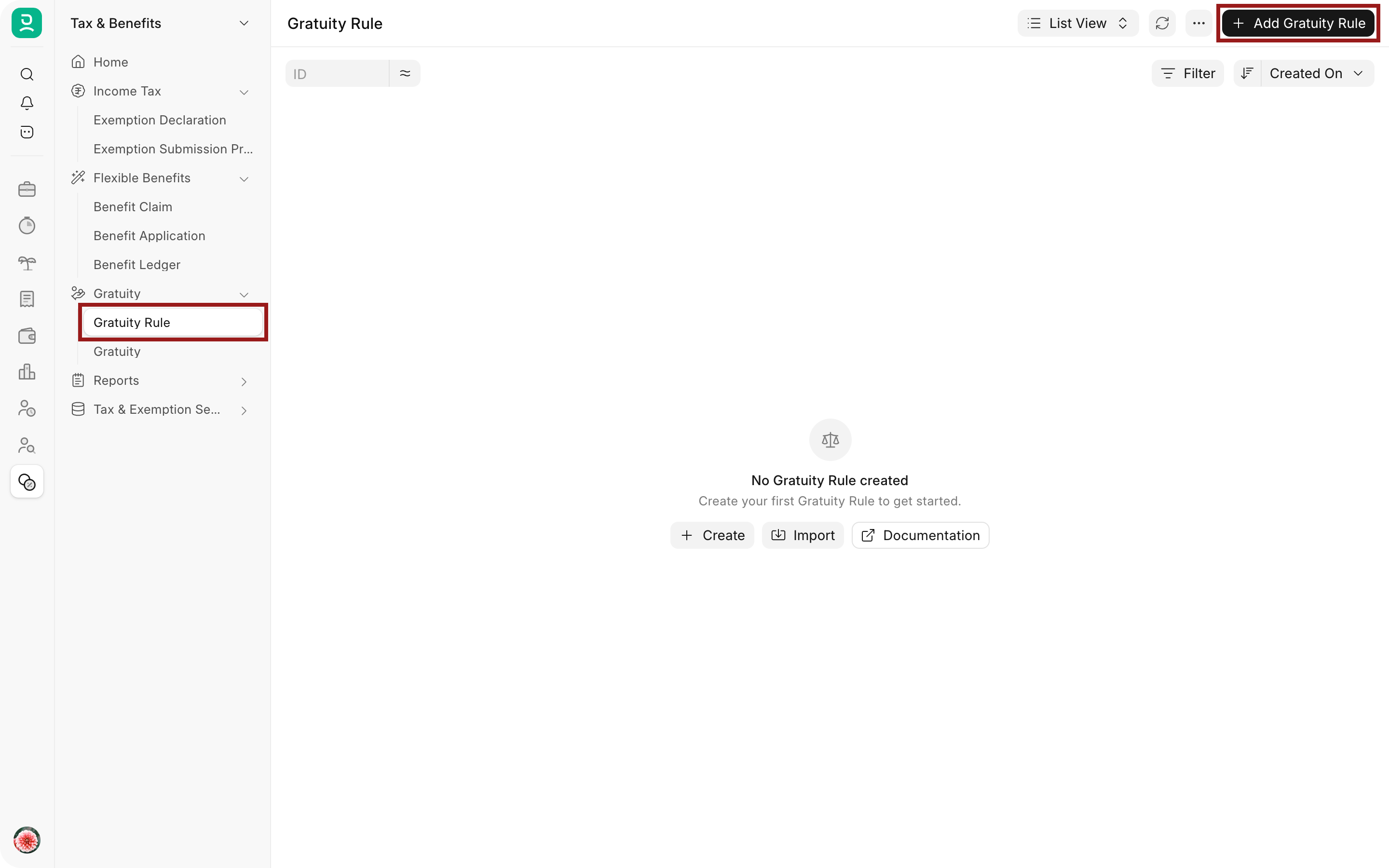
- Open the Tax & Benefits workspace and select Gratuity Rule under Gratuity. Select Add Gratuity Rule.
- Enter a Name, here Nova Industries - Payment of Gratuity Act.
- Set Calculate Gratuity Amount Based On. Keep Current Slab for a single rate, as here. The two options are explained below.
- Set the Work Experience Calculation Method, here Round off Work Experience.
- Keep Total working Days Per Year at 365, and set Minimum Year for Gratuity, here 5.
- In Applicable Earnings Component, select the earning components, here Basic.
- In Current Work Experience, add one row for each slab with From(Year), To(Year) and Fraction of Applicable Earnings. For a single rate for all years, keep From(Year) and To(Year) at 0 and enter the fraction, here 0.577, which is 15 divided by 26.
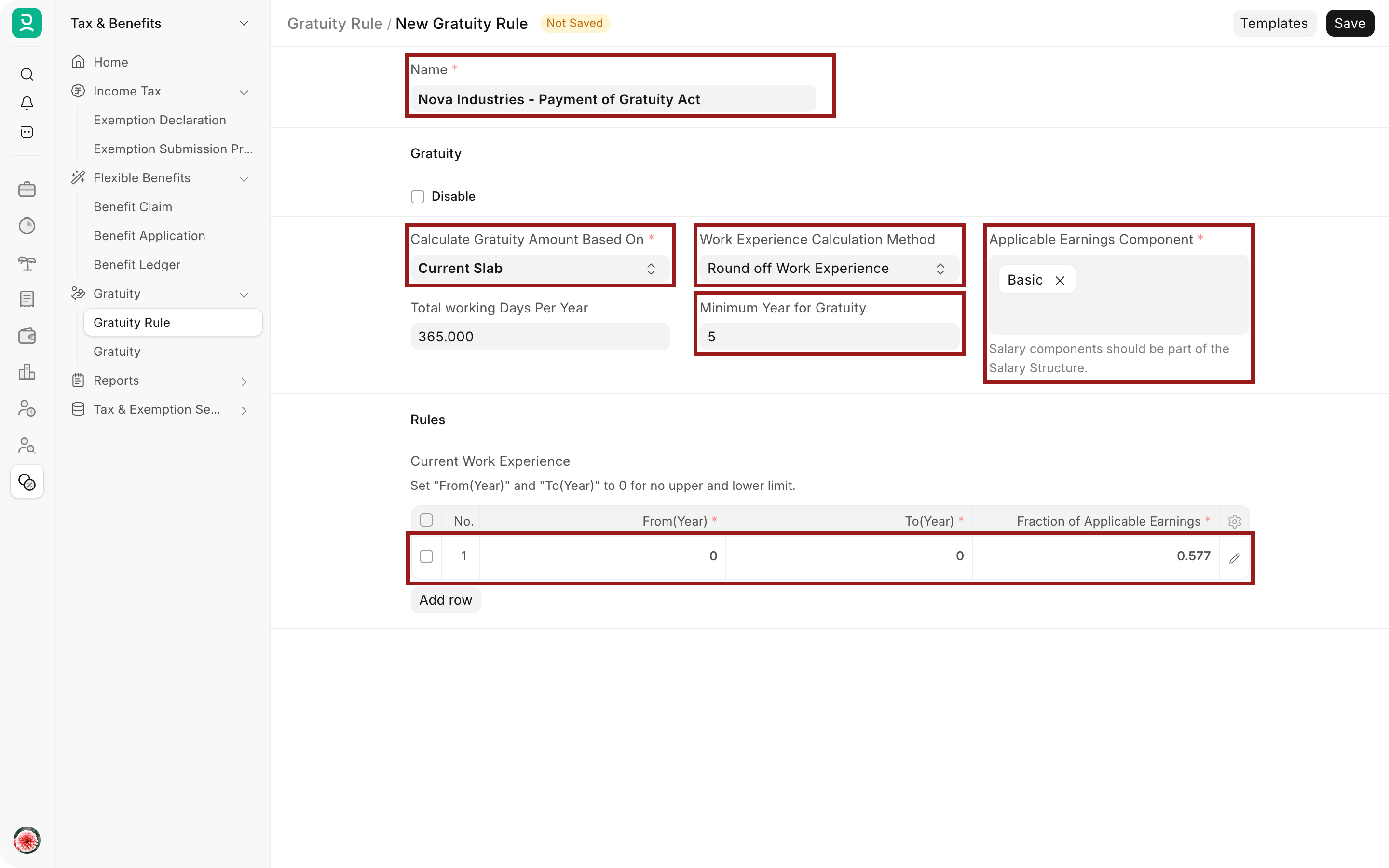
- Select Save. The rule does not need to be submitted.
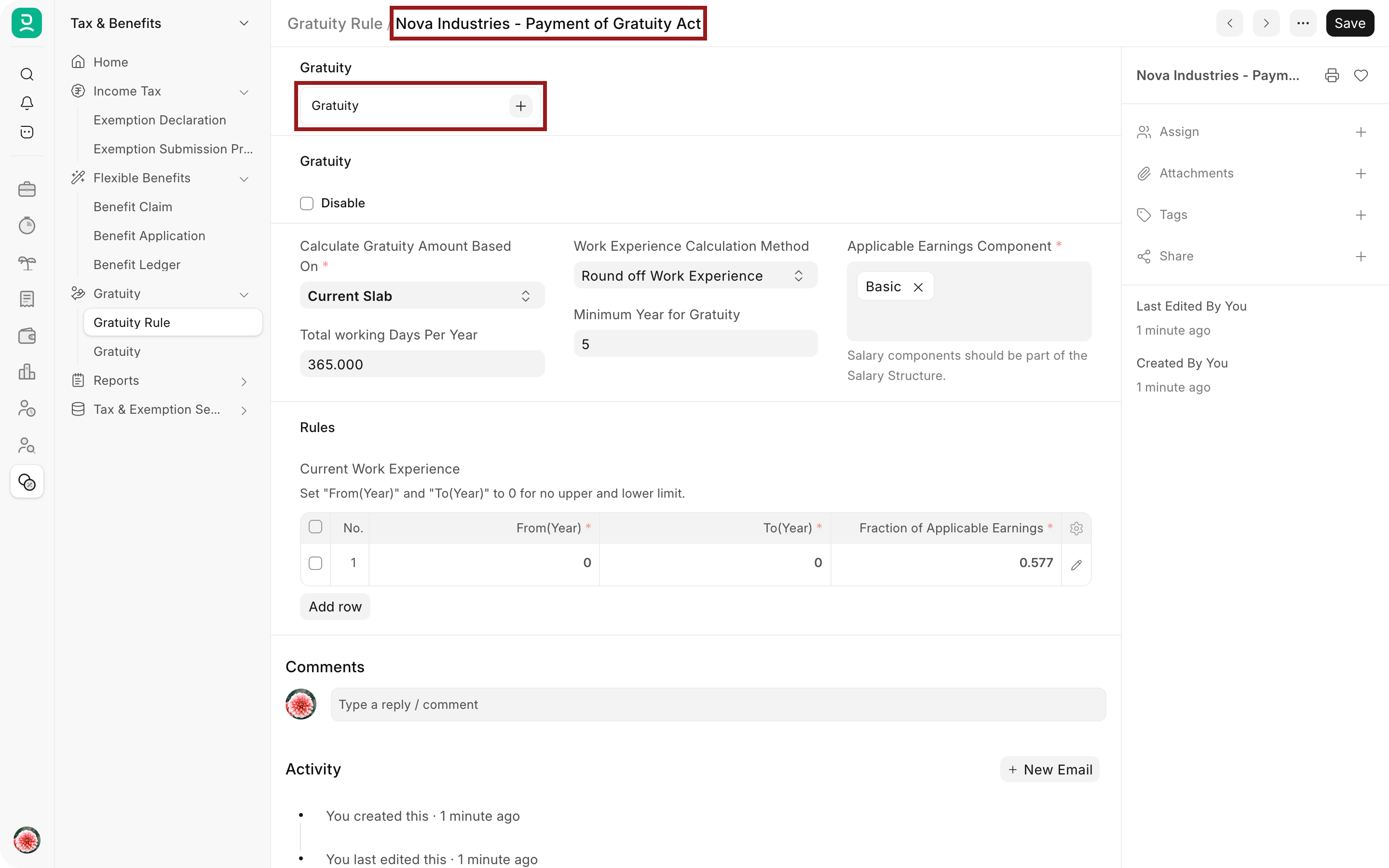
The saved rule shows a Gratuity connection. Select + next to it to create a Gratuity record with this rule, or open the Gratuity records that already use it.
How work experience is counted
When you select an employee and a rule on a Gratuity record, Frappe HR counts the days from the employee's Date of Joining to their Relieving Date on the Employee record. If Payroll Settings bases payroll on Leave, it subtracts the days of submitted Attendance marked On Leave with a Leave Type set as Leave Without Pay. If it bases payroll on Attendance, it subtracts the days marked Absent. It then divides the result by Total working Days Per Year.
The Work Experience Calculation Method decides what happens to the result:
| Method | Work experience used |
|---|---|
| Round off Work Experience | Rounded to the nearest whole year. 7 years and 7 months counts as 8 years. |
| Take Exact Completed Years | The exact value in years, including the part year, for example 7.58. |
| Manual | The value you type in Current Work Experience on the Gratuity record. |
If the result is less than Minimum Year for Gratuity, the Gratuity cannot be saved.
How the amount is calculated
Frappe HR adds up the applicable earning components from the employee's latest submitted Salary Slip, using the amounts set by the salary structure. This is the monthly figure that the fractions multiply.
With Current Slab, it finds the slab row that contains the work experience and pays every year at that row's fraction. A row contains the experience when From(Year) is at or below it and To(Year) is at or above it, or To(Year) is 0. For an operator at Nova Industries with a monthly Basic of 30,000 and 8 years of service, the gratuity is 30,000 × 8 × 0.577 = 138,480.
With Sum of all previous slabs, each slab pays only for the years that fall inside it, and the results are added. Take these slabs and 7 years of service, with a monthly amount of 10,000:
| From(Year) | To(Year) | Fraction | Years in slab | Amount |
|---|---|---|---|---|
| 0 | 1 | 0 | 1 | 0 |
| 1 | 5 | 0.7 | 4 | 28,000 |
| 5 | 0 | 1 | 2 | 20,000 |
The gratuity is 48,000. With Current Slab, the same slabs would give 10,000 × 7 × 1 = 70,000, because all 7 years are paid at the rate of the last slab.
Keep the rows in order of years, with each From(Year) equal to the To(Year) of the row above. When you add a row, Frappe HR fills in From(Year) from the previous row. A row with To(Year) 0 has no upper limit, so use it only as the last row.
Troubleshooting
From (Year) can not be greater than To (Year)
A slab row has a From(Year) above its To(Year). Correct the row, or set To(Year) to 0 if the slab has no upper limit.
You can not define multiple slabs if you have a slab with no lower and upper limits
A row with both From(Year) and To(Year) at 0 covers all years, so it must be the only row. Delete it or give it limits.
No applicable slab found for the calculation of gratuity amount
The Gratuity record could not match the employee's work experience to a slab with a fraction above 0. Add a slab that covers that number of years.
No applicable Earning component found in last salary slip
The employee's latest submitted Salary Slip has none of the rule's components. Check the components on the rule and the employee's salary structure.
Frequently asked questions
Does Frappe HR include a standard rule?
For a company in India, Frappe HR can add an Indian Standard Gratuity Rule at setup, and for the United Arab Emirates three rules for limited and unlimited contracts. Open the rule and add its Applicable Earnings Component before you use it.
What does Disable do?
Disable marks the rule as no longer in use. It does not stop the rule from being selected on a Gratuity record, so make sure that HR users pick the current rule.
Can I change a rule that is already in use?
You can edit and save the rule at any time. Gratuity records that are already submitted keep their amounts. Draft records use the new values the next time they are saved.